Extension System
Optional tools are panels you switch on per project in Settings ▸ Extensions. An enabled panel gets its own row under Extensions in the nav rail. Quick notes is a global drawer opened from the command palette or its shortcut.
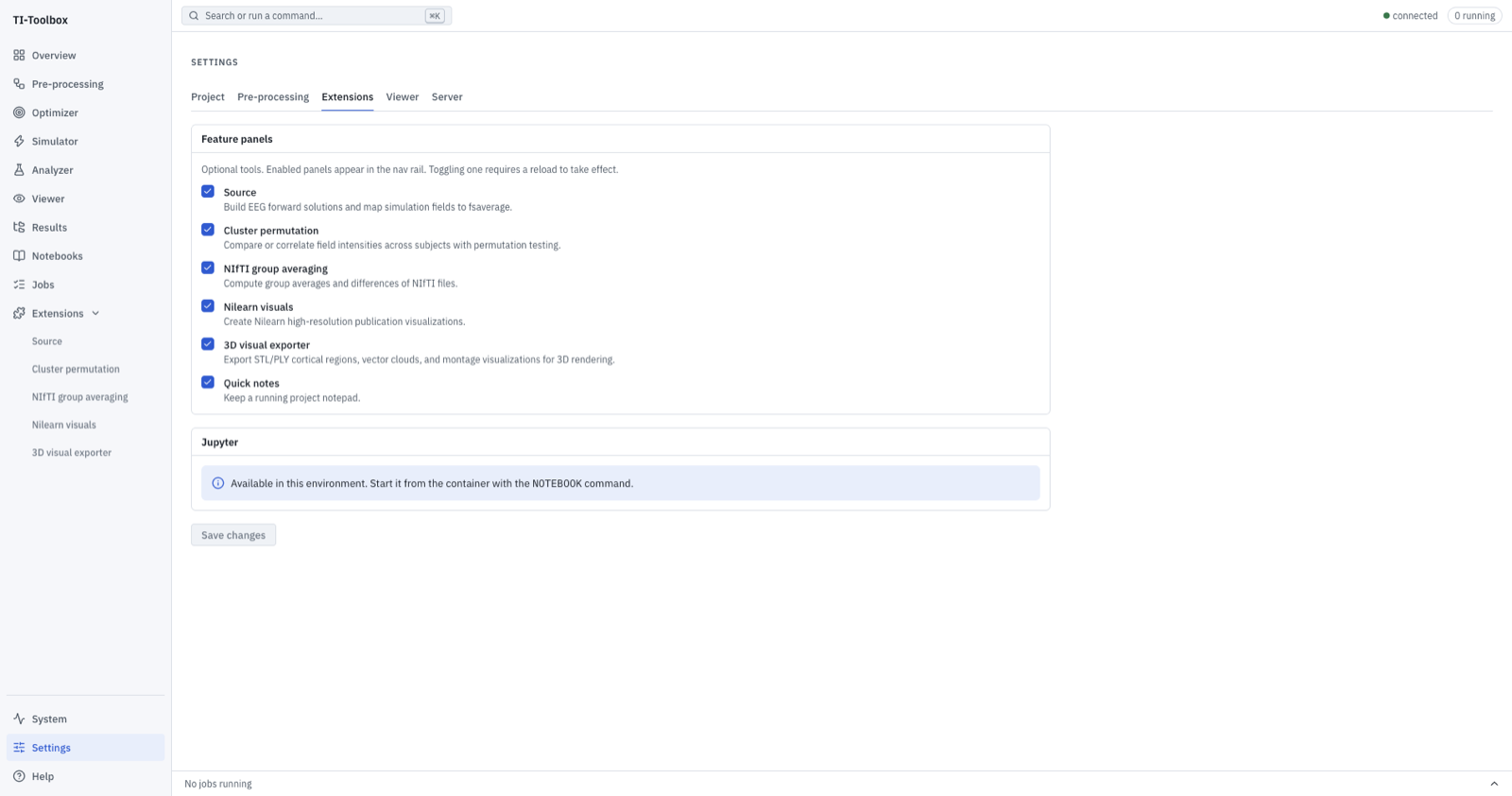 Settings (⌘,) ▸ Extensions. One checkbox per panel; enabled panels appear under Extensions in the sidebar.
The panels are Source, Cluster permutation, NIfTI group averaging, Nilearn visuals and the 3D visual exporter.
Computational tools use the same layout as the main run pages: inputs on the left, with the plan and live terminal on the right. Submitted jobs remain available in that terminal after completion and when you return to the page. Source builds EEG forward solutions. Field mapping is an opt-in in each Simulator job’s settings. Quick notes remains an autosaving note drawer, not a job runner.
The 3D visual exporter adds Scene / Terminal tabs. Its scene follows the selected export type; see the export preview guide.
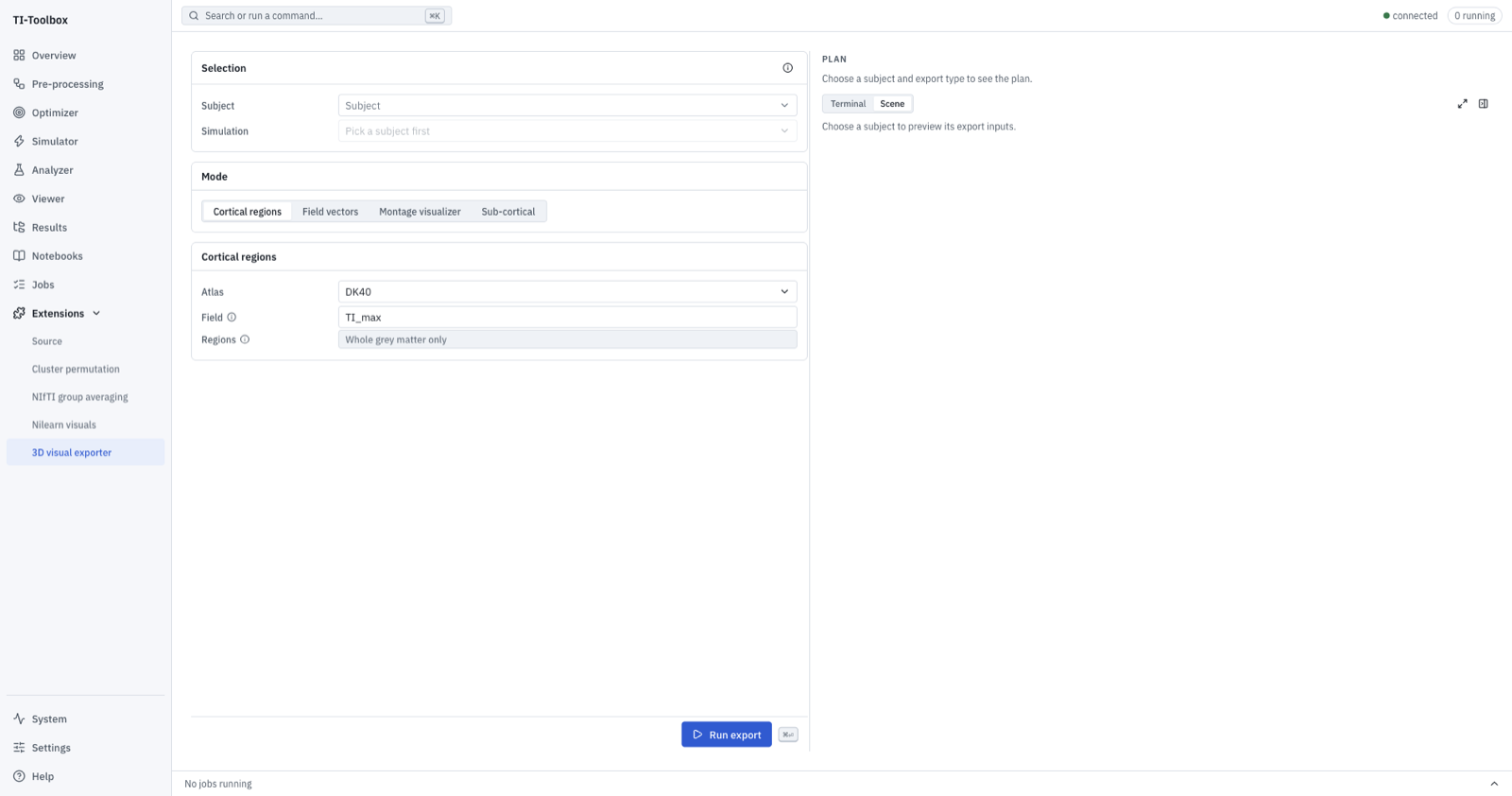 The 3D visual exporter covers cortical regions, field vectors, montages and sub-cortical structures.
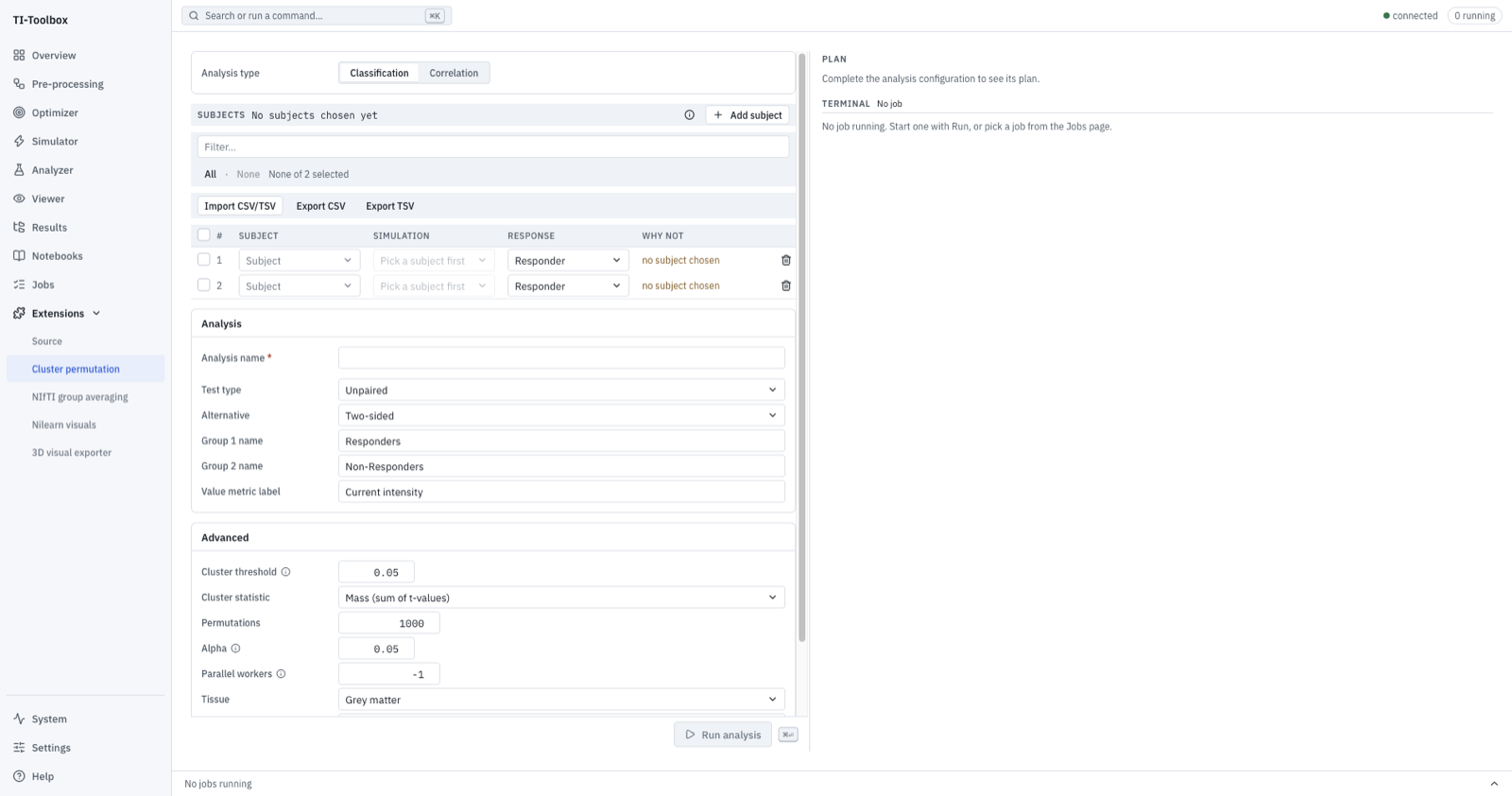 Cluster permutation provides non-parametric group-level statistics.
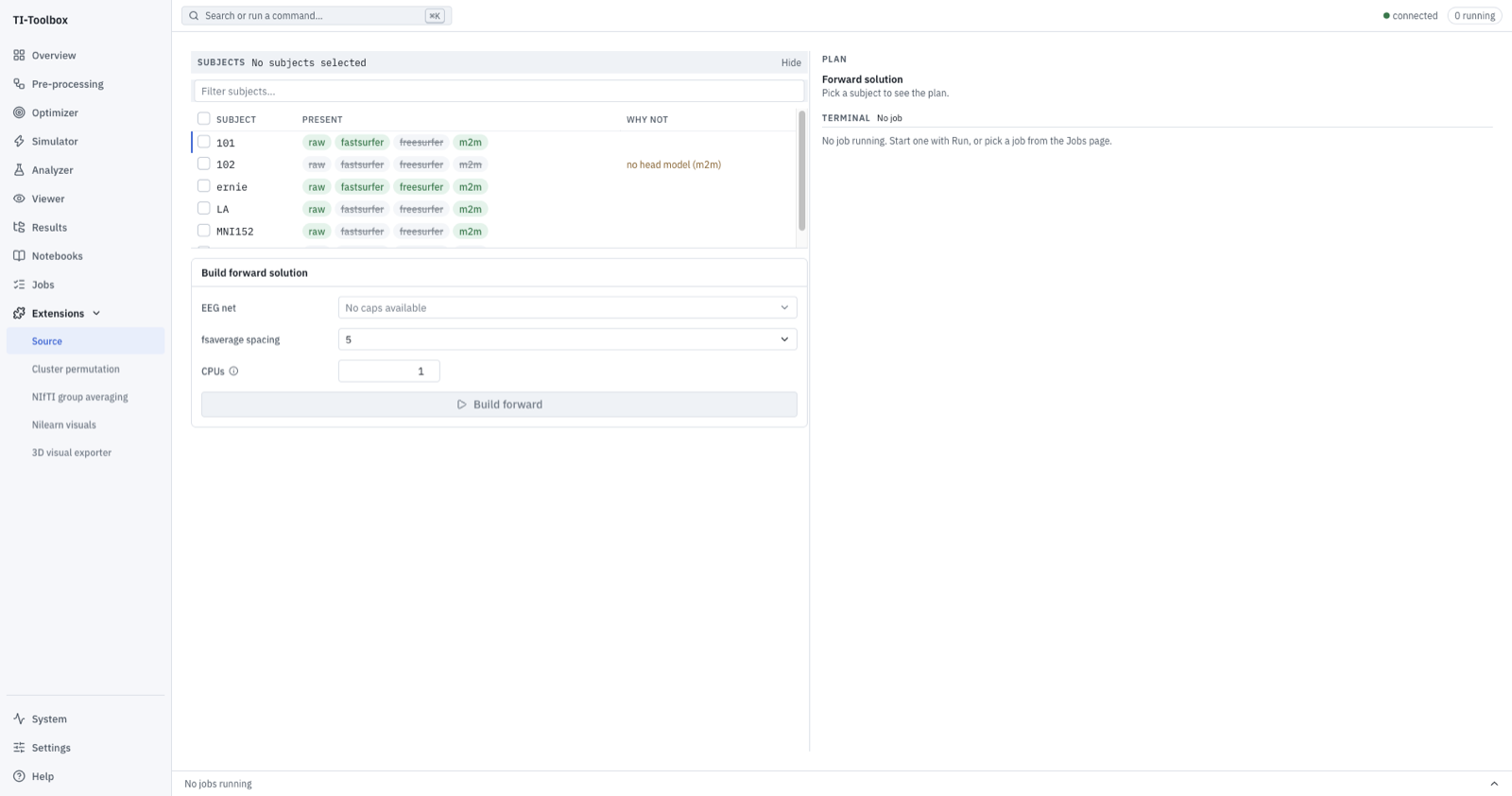 Source builds EEG forward models and projects fields to fsaverage.
Map existing fields from a notebook or terminal
In the supplied Jupyter environment, initialize the project and use the existing Python API:
from tit import get_path_manager
from tit.source.config import FsavgMapConfig
from tit.source.fsaverage import project_fields_to_fsaverage

get_path_manager("/data/my-project")  # Use your project's path inside the container.
results = project_fields_to_fsaverage(
    [("101", "L_Insula")],
    FsavgMapConfig(fields=("TI_max", "TI_normal"), fsaverage_spacing=5),
)
For a terminal run, save that code as a script and run simnibs_python map_fields.py.
This maps existing outputs without rerunning simulation. For new simulations, enable
Map fields to fsaverage in the job’s settings before running it.
Two former extensions no longer exist as panels: Electrode Placement is now the Simulator’s free-hand mode, and Subject Info is the Overview page.