Pre-processing
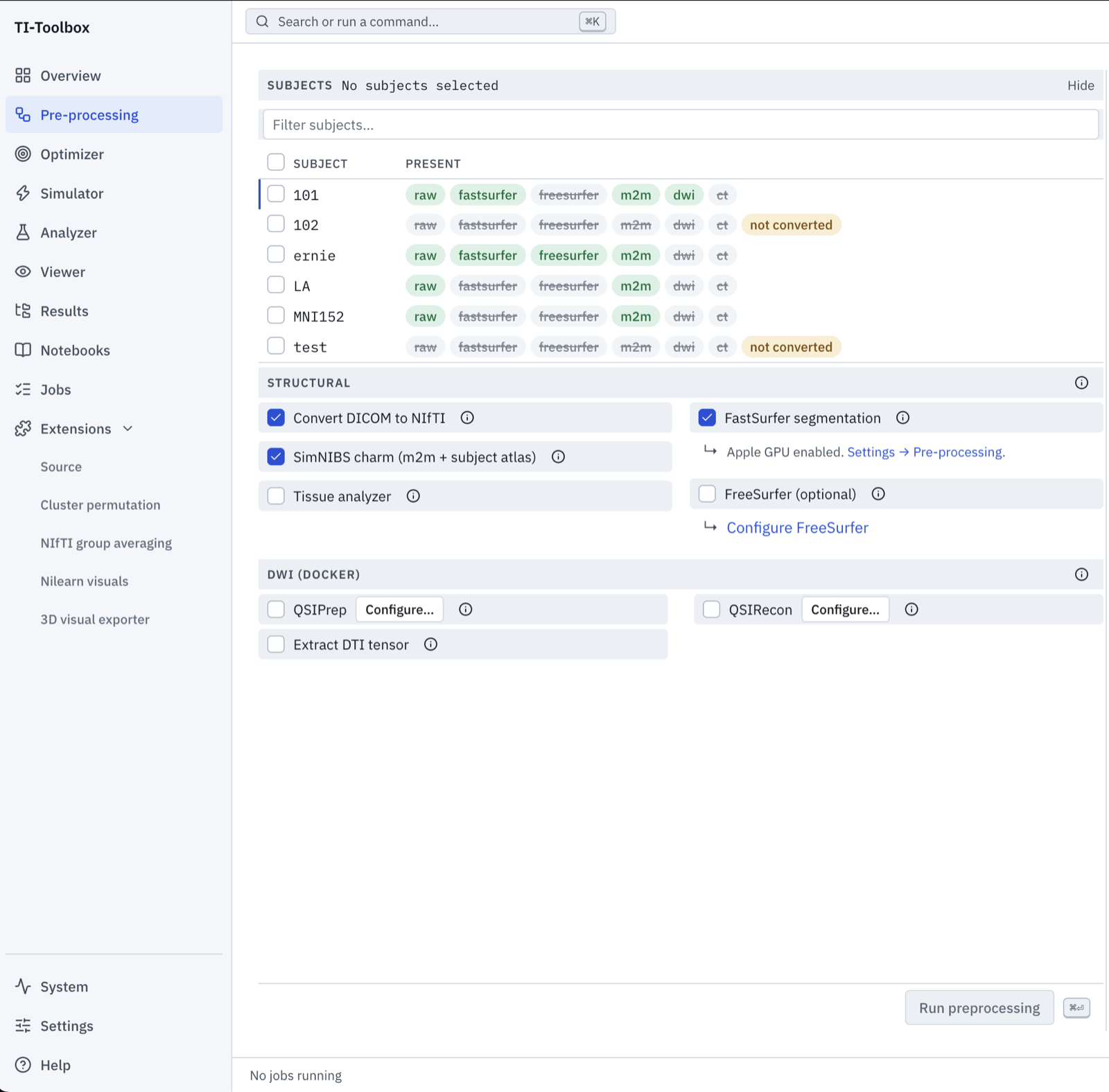
Pre-processing prepares subject data for simulation and analysis. Select subjects and the stages you need; the plan shows their dependencies and existing outputs before you run them.
Workflow
graph TD
    A[DICOM conversion or existing NIfTI] --> B[SimNIBS CHARM]
    A --> C[FastSurfer / FreeSurfer]
    A --> D[QSIPrep]
    B --> E[Subject atlas and tissue analysis]
    D --> G[DTI tensor]
    B --> G
    D -.-> F[QSIRecon, optional]
CHARM creates the head model required for simulations. Reconstruction, segmentation and diffusion processing are optional, depending on the outputs your workflow needs. Independent stages can run when their dependencies and the job scheduler’s resource budget allow.
| Stage | Purpose | Guide |
|---|---|---|
| DICOM → NIfTI | Convert source scans and preserve metadata | Input layout below |
| SimNIBS CHARM | Create the head mesh and subject atlas | Head models below |
| FastSurfer / FreeSurfer | Segmentation, reconstruction and subregions | FastSurfer / FreeSurfer |
| Tissue analyzer | Inspect tissue segmentation quality | Select after head-model creation |
| QSIPrep → DTI tensor | Preprocess diffusion data (x86-64 host only) and fit the conductivity tensor; QSIRecon is an optional extra | Diffusion (DTI) processing |
Required Input Data Structure
BIDS Format Requirements
The toolbox expects data to be organized following the BIDS (Brain Imaging Data Structure) standard:
project_root/
└── sourcedata/
    └── sub-{subject_id}/
        ├── T1w/
        │   ├── dicom/          # Raw T1w .dcm/.dicom files (searched recursively)
        │   └── *.zip|*.tar|*.tar.gz|*.tgz  # Optional T1w DICOM archives (extracted to extracted_archives/)
        ├── T2w/                # Optional, same layout
        ├── ct/                 # Optional CT (→ anat/sub-{id}_ct.nii.gz, a local non-BIDS extension)
        └── dwi/                # Optional diffusion DICOMs (→ dwi/ with .bval/.bvec)
Each modality folder is searched recursively, so DICOM files placed directly in T1w/ also work; the dicom/ subfolder is the recommended layout. Converted files are named sub-{id}_T1w.nii.gz, sub-{id}_T2w.nii.gz, etc.
Data Requirements
| Requirement | Description | Status |
|---|---|---|
| T1-weighted MRI | High-resolution anatomical image (typically MPRAGE) | Required |
| T2-weighted MRI | High-resolution anatomical image (typically CUBE/SPACE) | Recommended |
Supported Input Formats
- DICOM files (
.dcm,.dicom) undersourcedata/sub-{subject_id}/{T1w,T2w}/dicom/; nested folders are searched recursively - Compressed DICOM archives (
.zip,.tar,.tar.gz,.tgz) placed directly in a modality folder or itsdicom/folder - NIfTI files (
.nii,.nii.gz) - if already converted
Head models and atlas alignment
CHARM accepts T1w alone or T1w with T2w. The pipeline runs subject_atlas after CHARM to generate
atlas annotations. Head models are stored in derivatives/SimNIBS/sub-<id>/m2m_<id>/.
MNI/template and volume-atlas targets depend on the head model’s transforms and registration quality. If CHARM reports cropped anatomy or poor registration, inspect the input coverage before using those targets. CHARM supplies whole-thalamus, whole-hippocampus and whole-amygdala labels; the surfer guide explains the separate reconstruction and finer subregion options.
Preparation examples
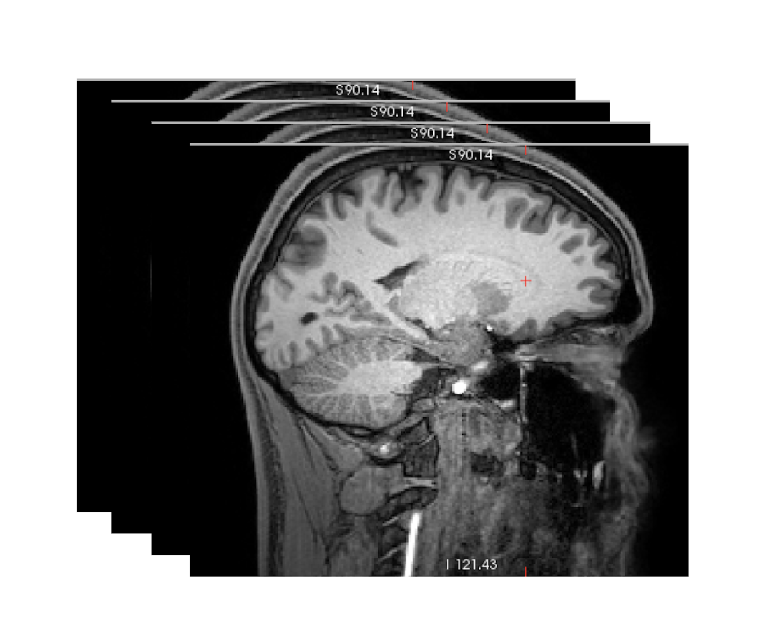 Start from DICOM or an existing NIfTI dataset. T1w is required for head-model creation; T2w is optional.
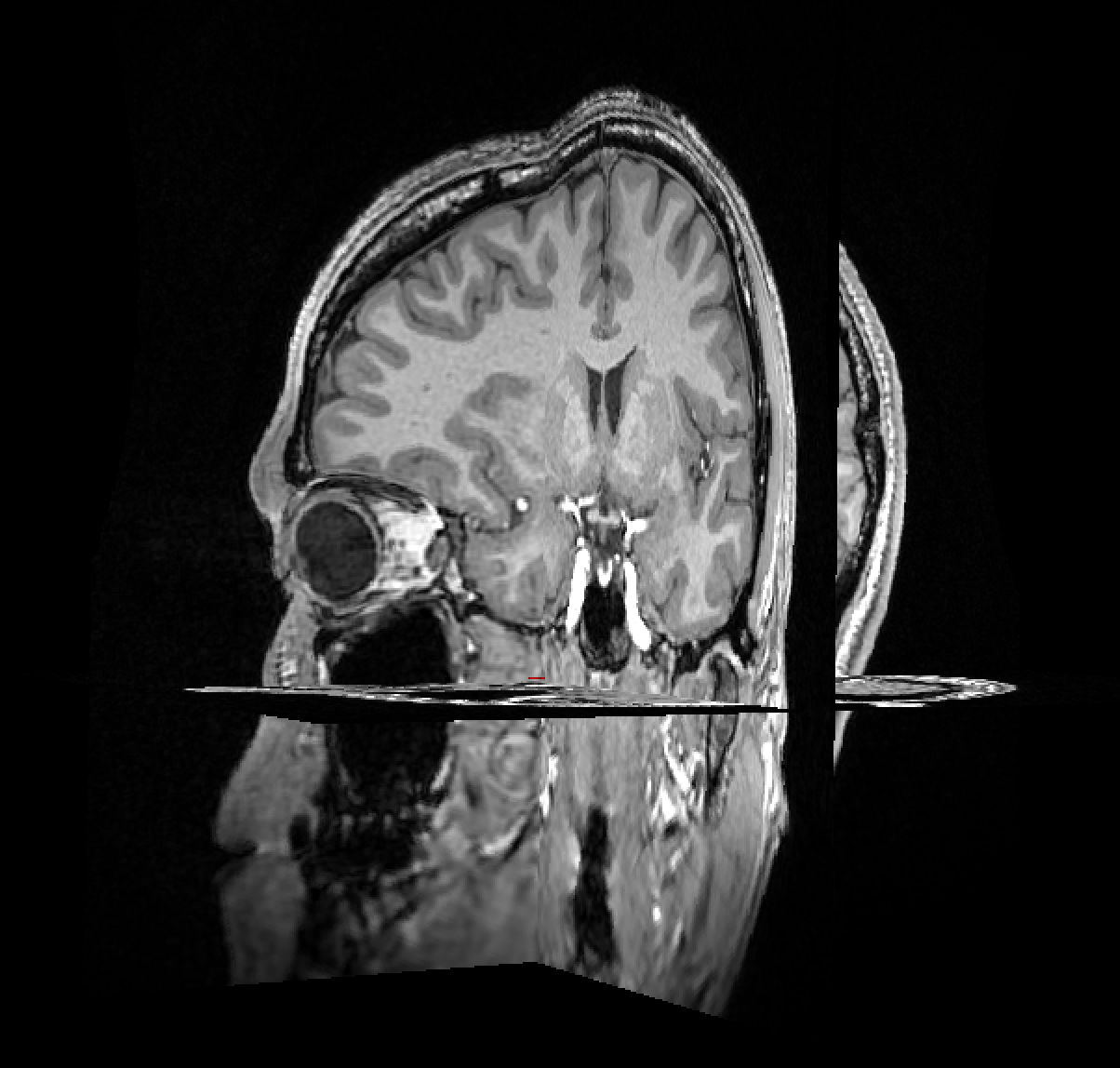
dcm2niix converts the DICOM series into a three-dimensional NIfTI volume.
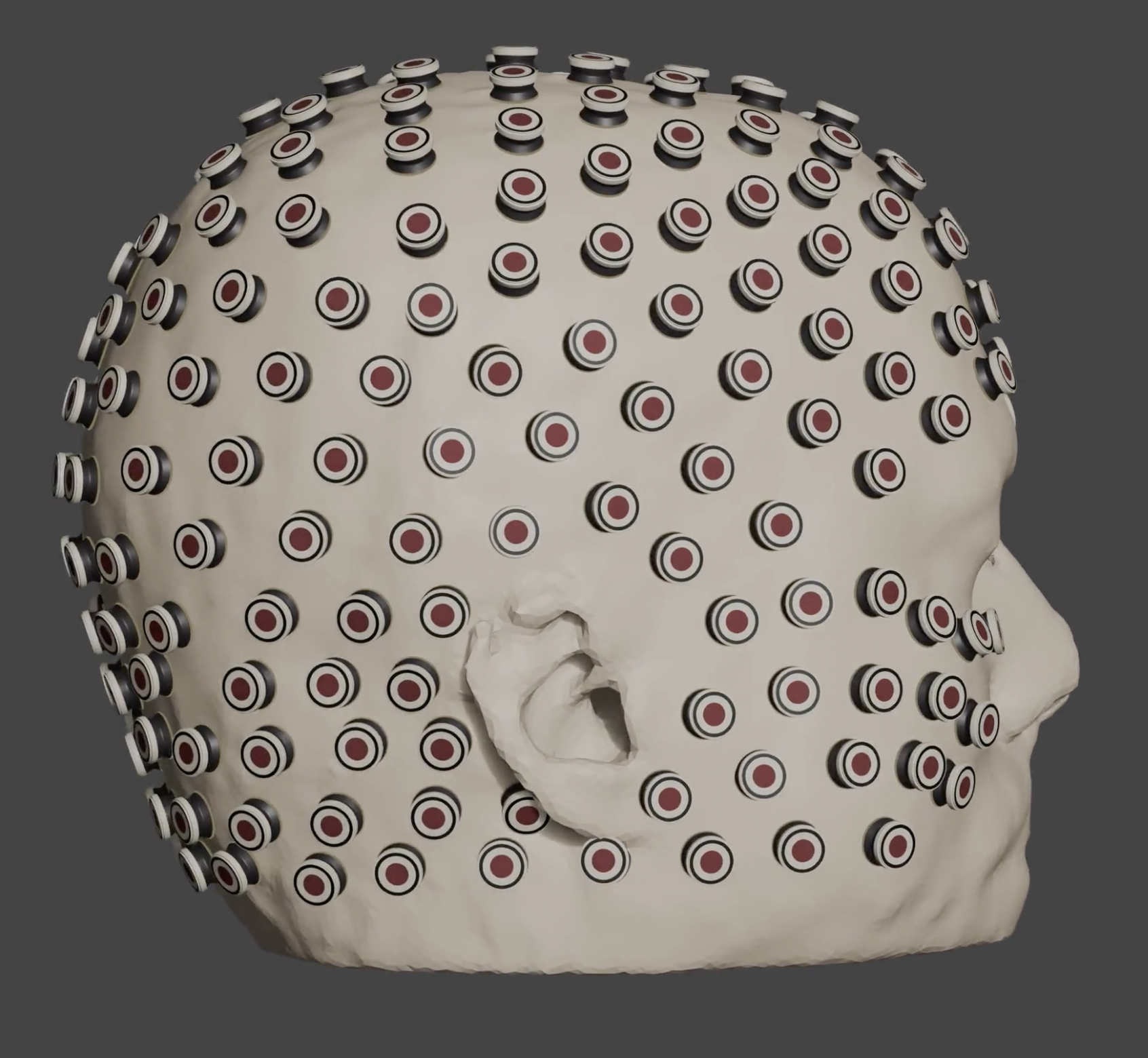 Supported EEG nets are co-registered while the subject's
 m2m head model is prepared.
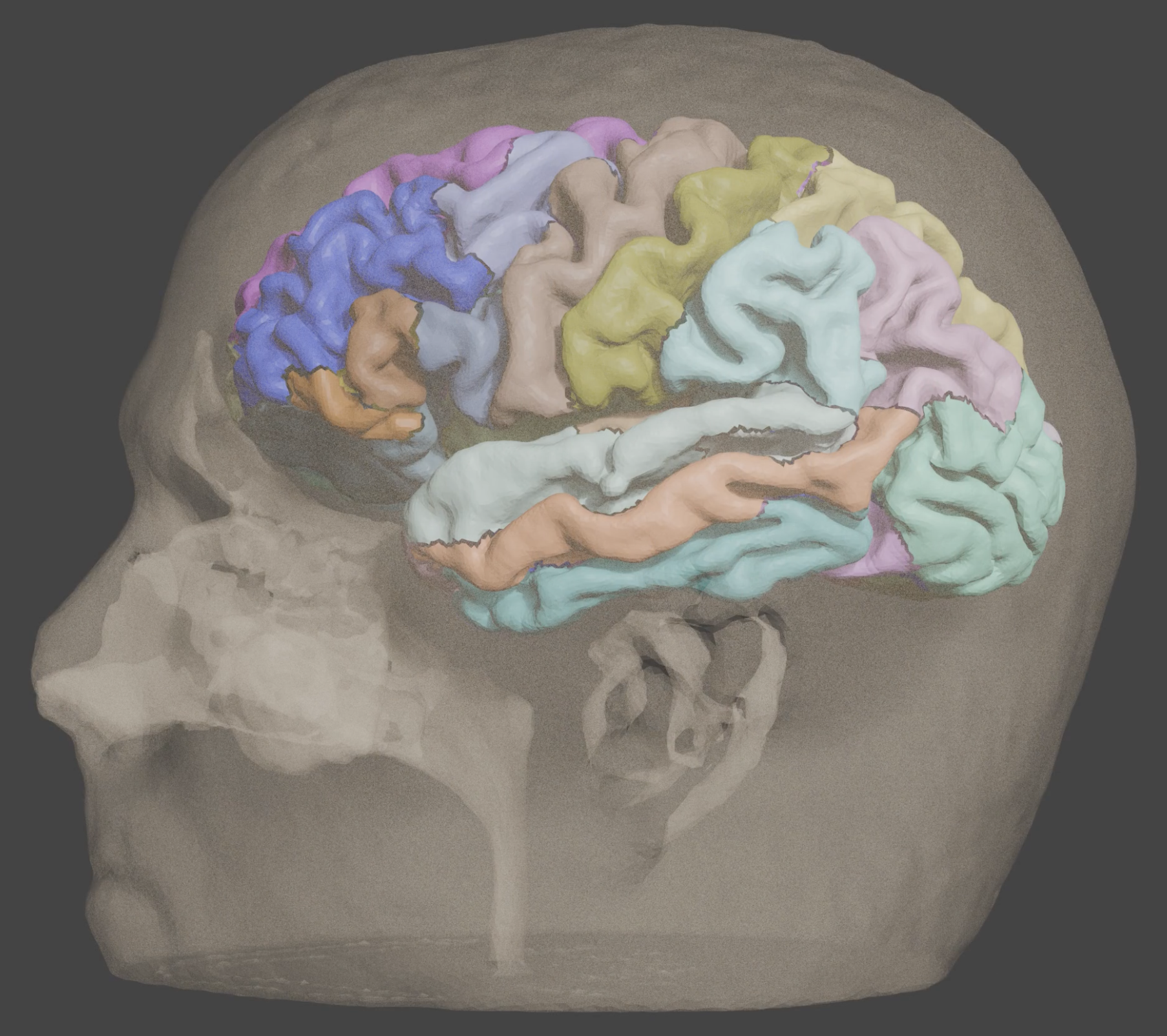 Cortical atlases are aligned to subject space; this example shows the DKT parcellation.
Run and monitor
Review the plan, then start the selected stages. When outputs already exist, choose whether to skip them or replace and rerun. Use Jobs for live progress, logs, cancellation and failures; the Overview shows which outputs are present for each subject.
For programmatic execution, use the scripting guide. Tool-specific inputs and output layouts live in the two subguides above.
Pre-processing settings
Open Settings → Pre-processing for user-wide defaults. Changes apply to new jobs across projects, not work already running. Automatic thread allocation uses the available CPUs minus one, with a minimum of one. Each control shows the available capacity; container limits and the job scheduler still constrain execution.
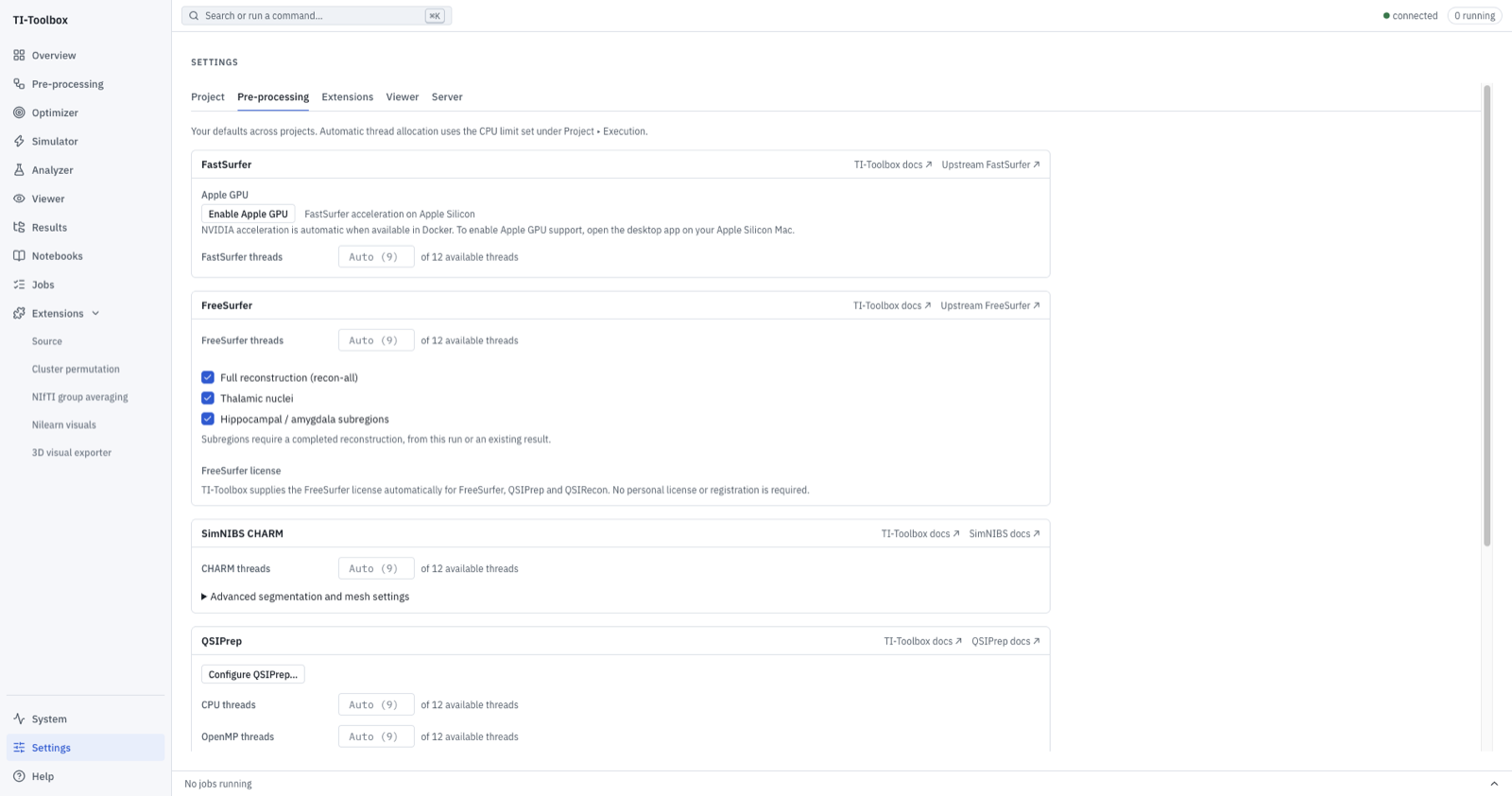 Settings ▸ Pre-processing. Each tool has its own thread controls; leave them on Auto to follow the CPU limit.
- FastSurfer / FreeSurfer: thread controls, Apple GPU enablement and FreeSurfer operations. TI-Toolbox supplies the FreeSurfer license automatically; no personal license setup is required. See the surfer guide for setup and permissions.
- QSIPrep / QSIRecon: CPU threads, OpenMP threads and memory limits. Configure QSIPrep and Configure QSIRecon open the same saved processing choices as the run page; saving either dialog remembers them across projects. The QSIPrep defaults (native resolution, automatic unringing, mandatory distortion correction, no MNI normalization) suit most data; see the diffusion guide for what each choice does.
- SimNIBS CHARM: threads and an Advanced section for anatomical denoising, final segmentation resolution and scalp triangle size. Default values follow the installed settings. Scalp triangle size controls the scalp surface, not every volume element. Resolution changes affect the head model and computation time; configure them before generating a new model.
See the CHARM configuration reference for the upstream options.