
Themes & settings
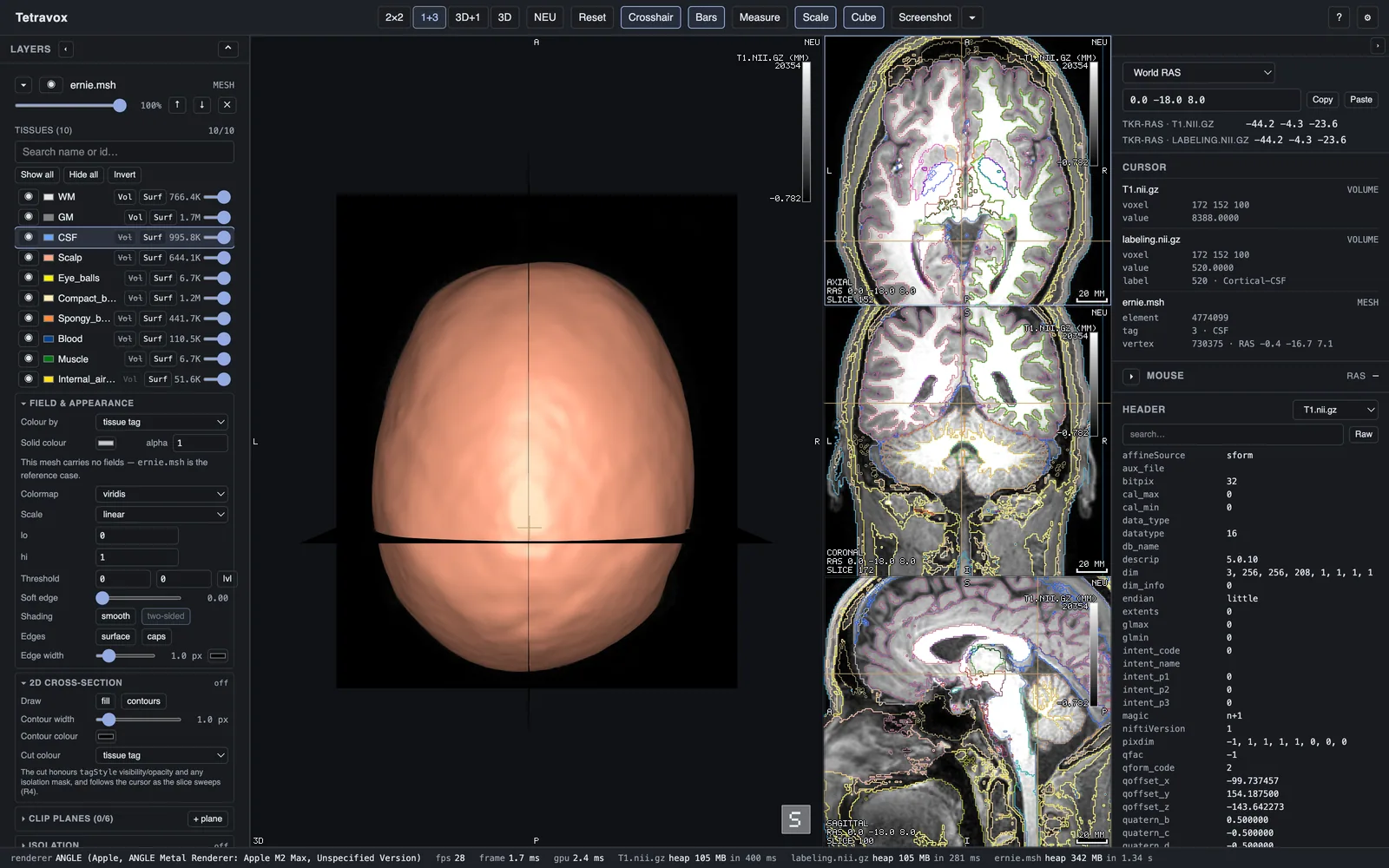
System / Light / Dark under ⚙ Settings, remembered between launches and applied with no reload. Sys follows the operating system live. The view panes stay dark in both themes — that is deliberate, not an oversight: a light viewport changes what a greyscale T1 and a heat overlay look like, and the chrome drawn over the image (letters, crosshair, colour-bar text) takes its palette from the pane rather than from the theme name, so its halo inverts to stay legible.
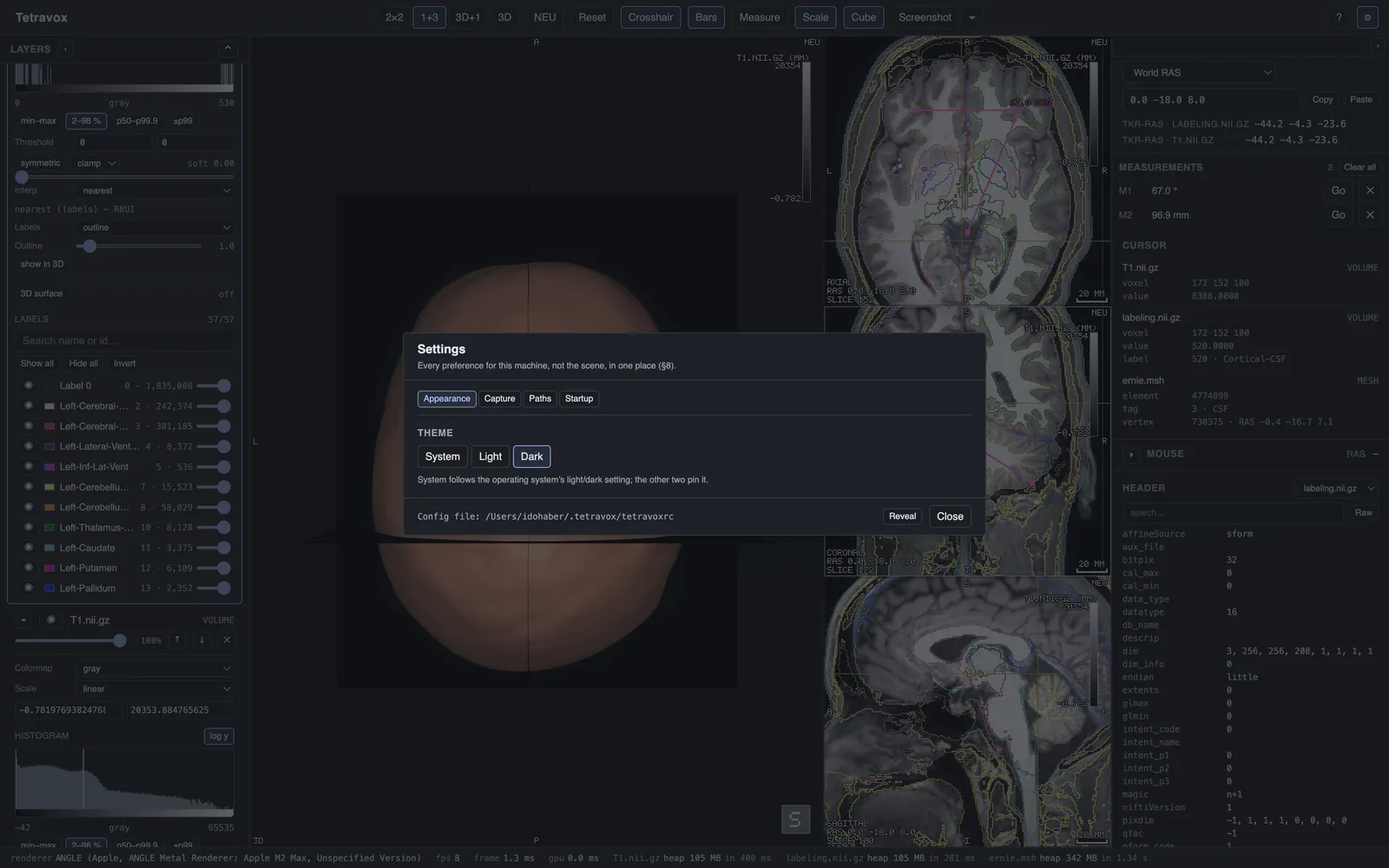
⚙ in the toolbar opens Settings. These are preferences for the machine, not for the scene: the FreeSurfer subjects directory (which is what turns on the fsaverage vertex read-out for surfaces) and reopen last scene on launch.