Atlases & regions
A label volume (an atlas or a tissue segmentation) is loaded like any other volume, and reads its region names and colours from a <volume>_LUT.txt sidecar when one sits beside it. In the volume layer's own editor it can be drawn as fill, outline, or both instead of the usual window/level controls. An anatomical atlas, a SimNIBS tissue segmentation and an organ or per-vertebra segmentation of a CT are all the same kind of layer here.
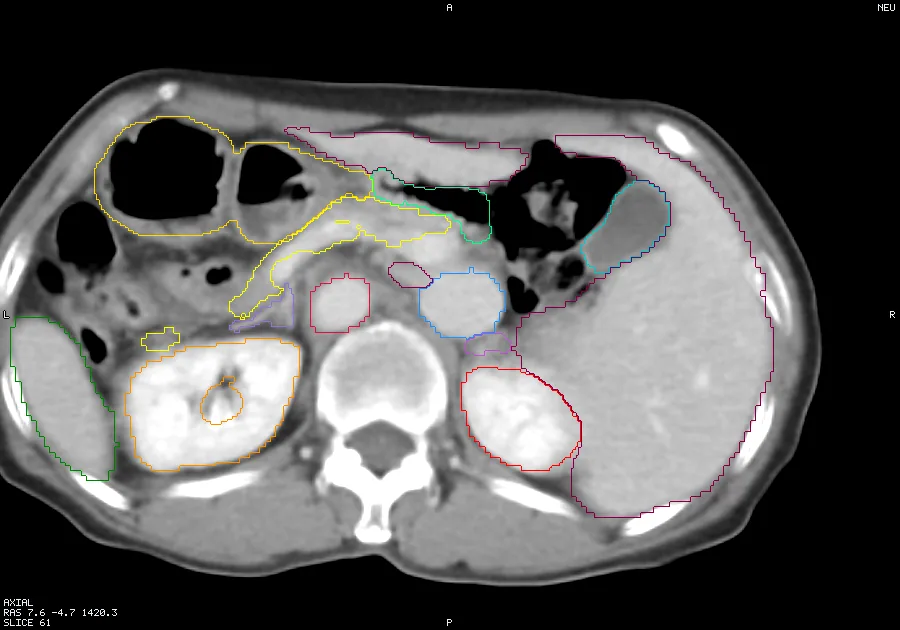
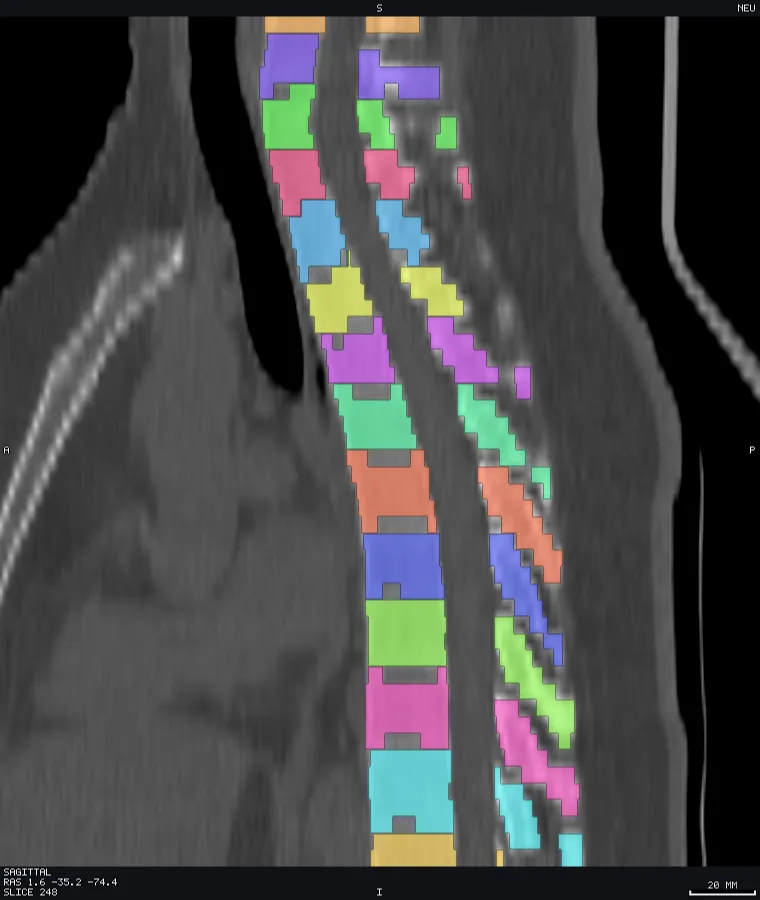
The region panel lists everything labelled — atlas and tissue-map regions, mesh tissue tags, and surface annotations — with the same rows: eye, colour swatch, name, id, count. Search as you type. Click to select and emphasise, ⇧/⌘-click for several, Alt-click to solo (mute all others), and double-click to jump the crosshair to that region's centroid. Show all / Hide all / Invert are at the top. Clicking a labelled voxel or tissue in a pane selects its row.
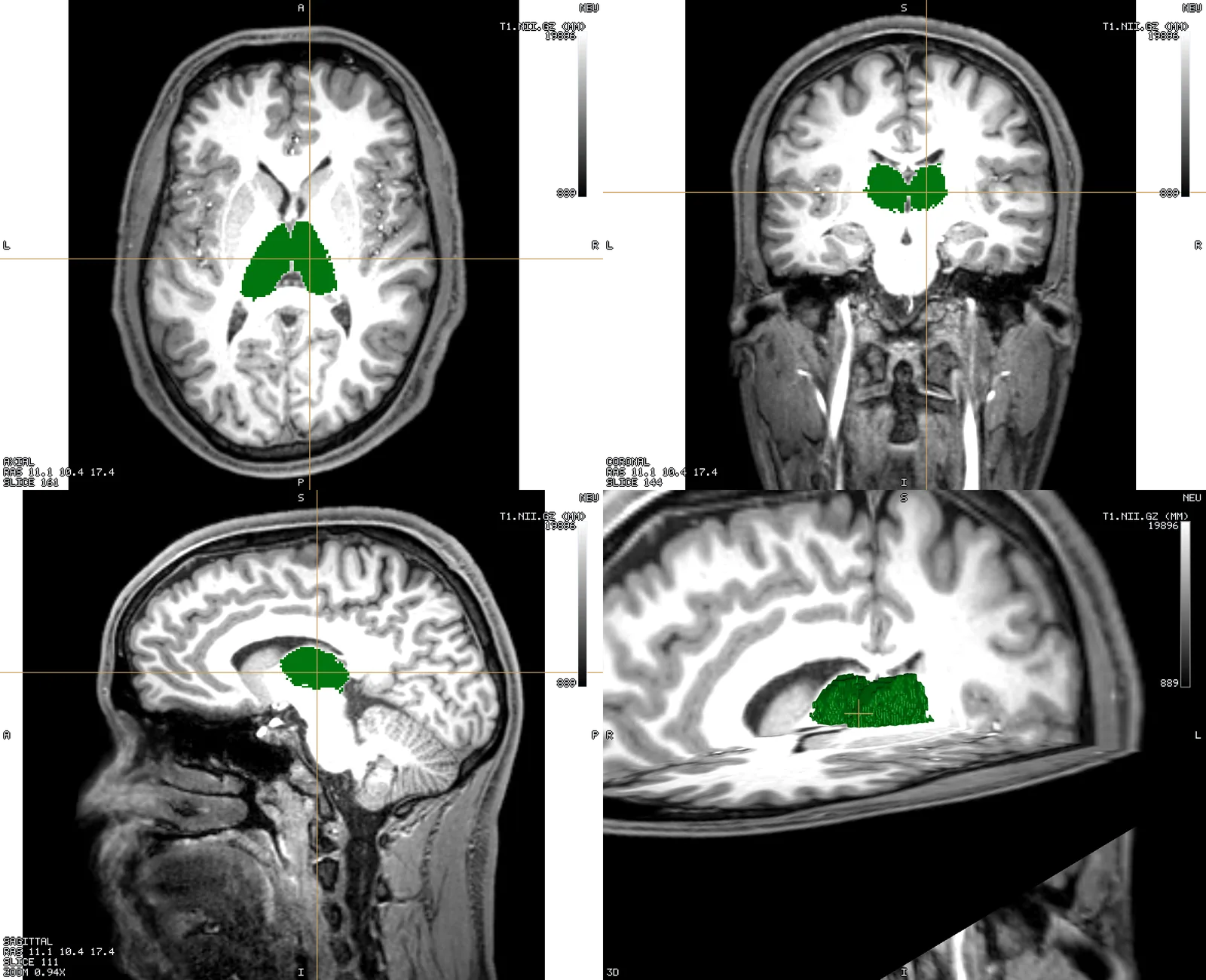
Colours you override and regions you hide are saved in the scene. Your edits sit on top of the file's own table, so a per-row Reset restores the original, and Save LUT… writes the merged result out.