Surfaces & annotations
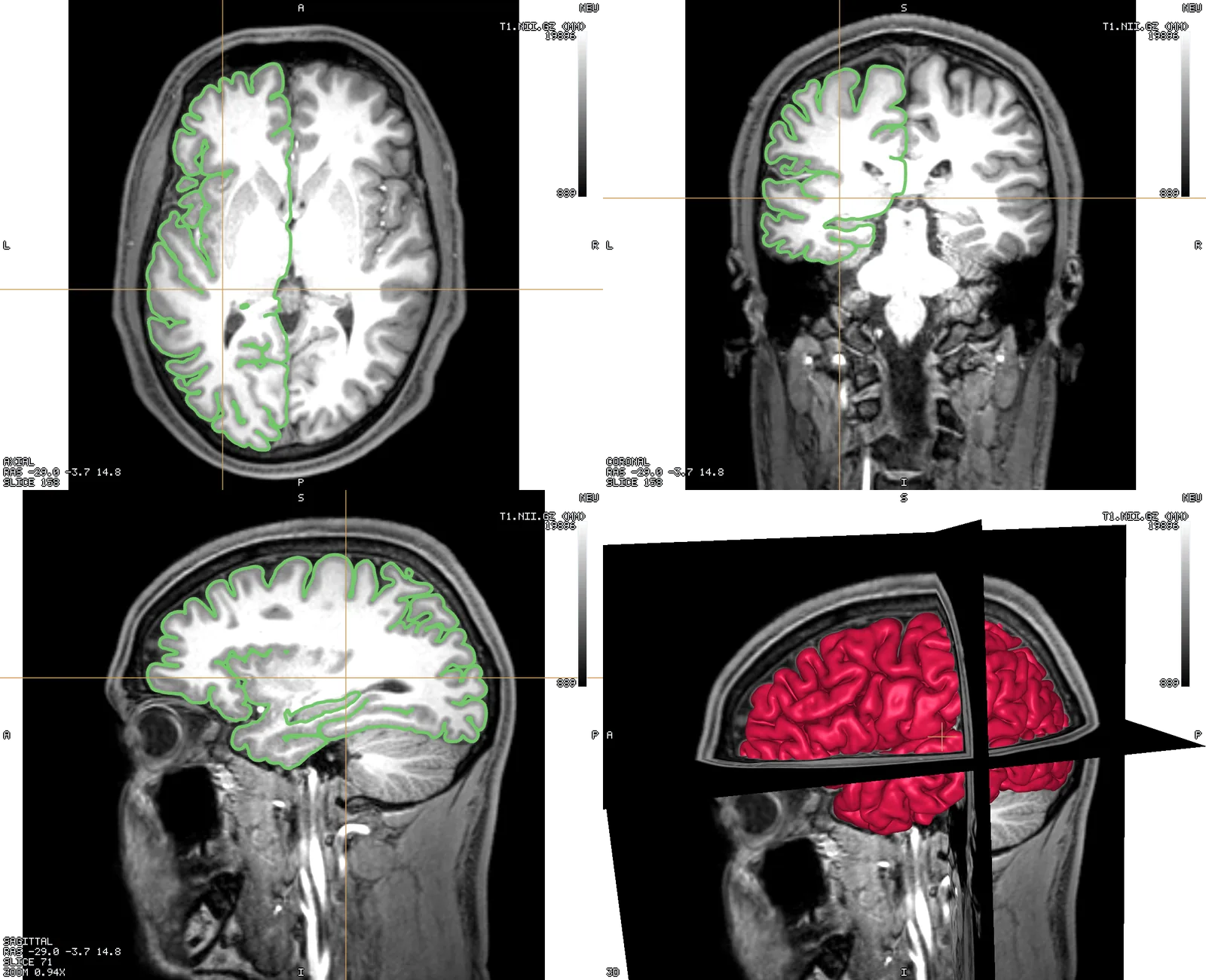
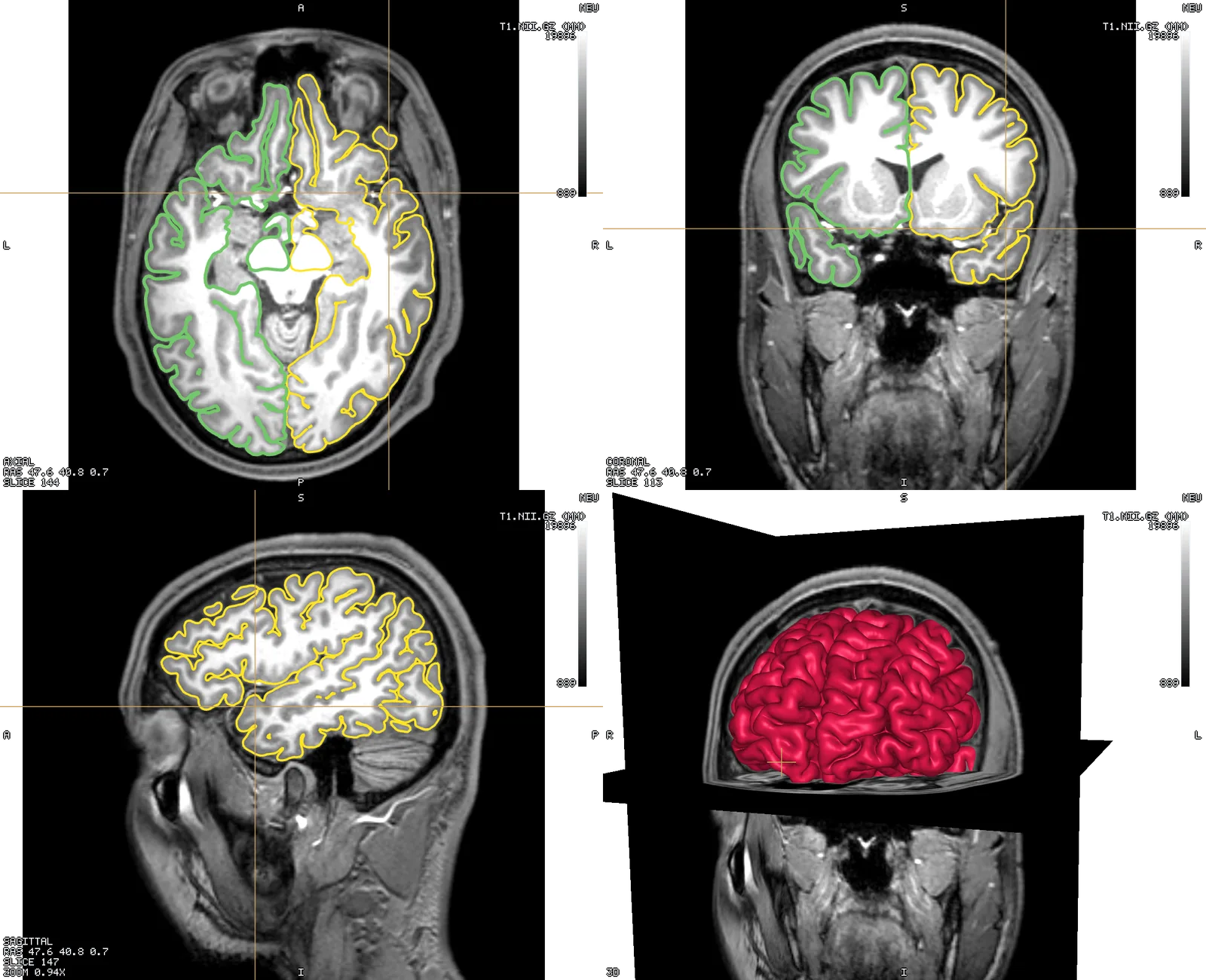
A surface mesh (GIfTI, FreeSurfer, STL/PLY/OBJ, OFF, .vtp) draws its intersection with each 2D plane as a coloured outline, Freeview-style, and sweeps with the slice. Clicking an outline selects that surface. In 3D it draws as a shaded surface like any other mesh layer.
A FreeSurfer .annot file colours a surface by its own region labels rather than a field or a solid colour — pick it from the same "colour by" control the tissue table uses for mesh layers, and its regions appear in the region panel alongside atlases and tissue tags.