Measurements
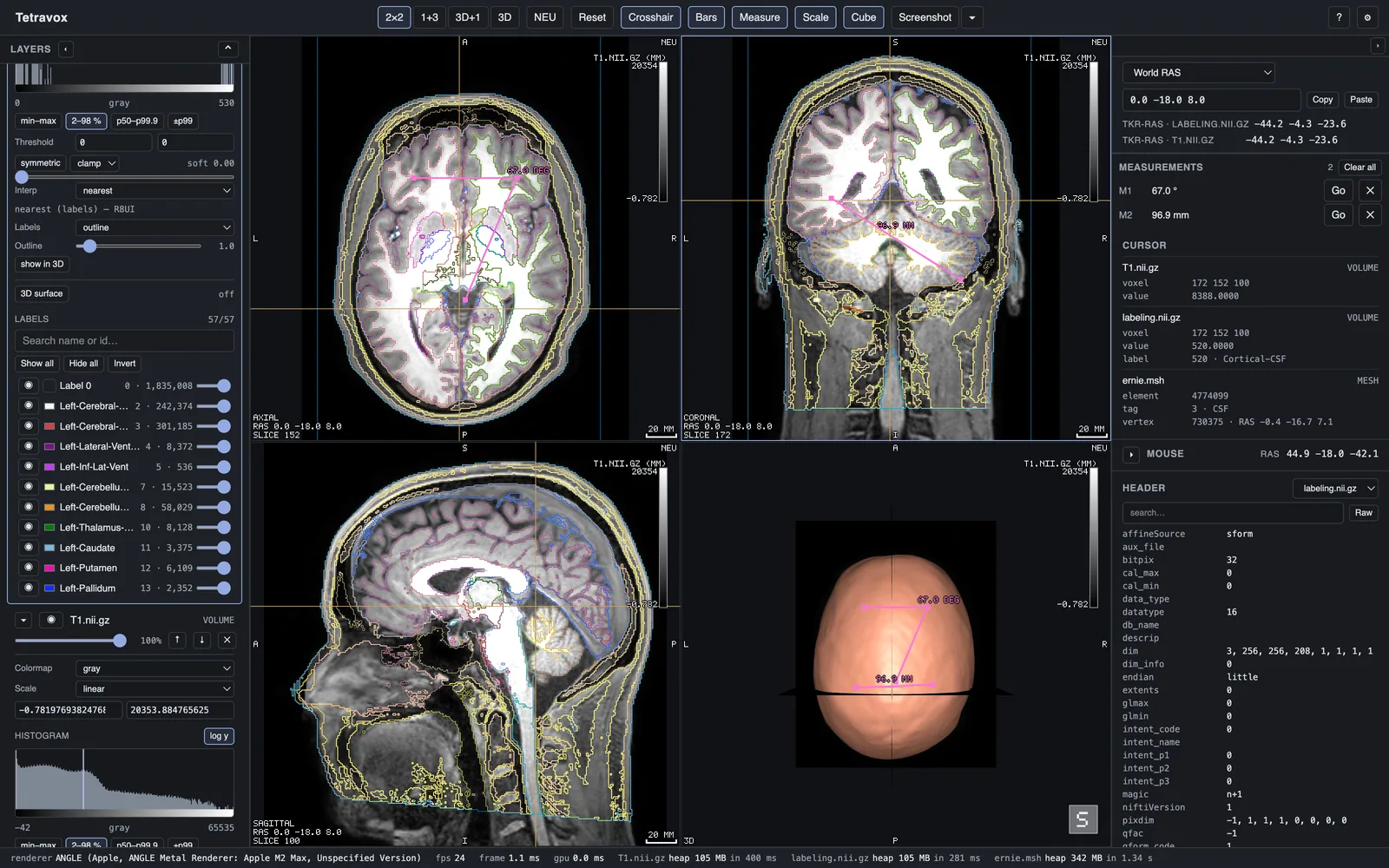
Press m or the toolbar's measure button. Then:
- click a point — in a 2D pane it lands on that plane; in 3D it lands on the surface you clicked;
- click a second — you have a distance in millimetres;
- click a third — the same measurement becomes an angle about the second point.
A fourth click starts a new one. Esc drops whatever is half-placed and leaves what is finished.
Lengths are world millimetres, so they are the same number at any zoom and in either convention. Each measurement is drawn in every pane that actually contains its points, listed in the measurements panel with a jump-to and a delete, and saved with the scene.