Meshes
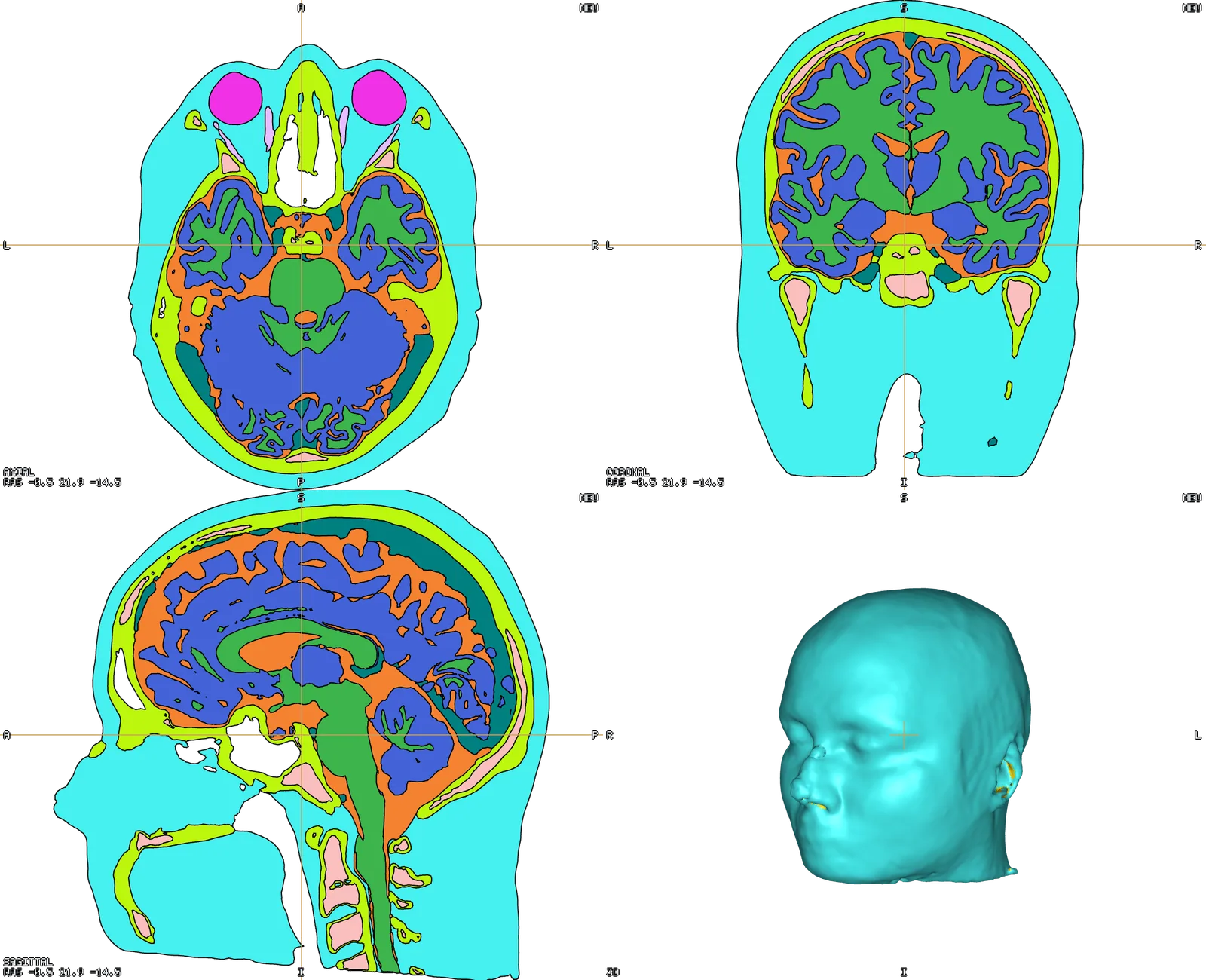
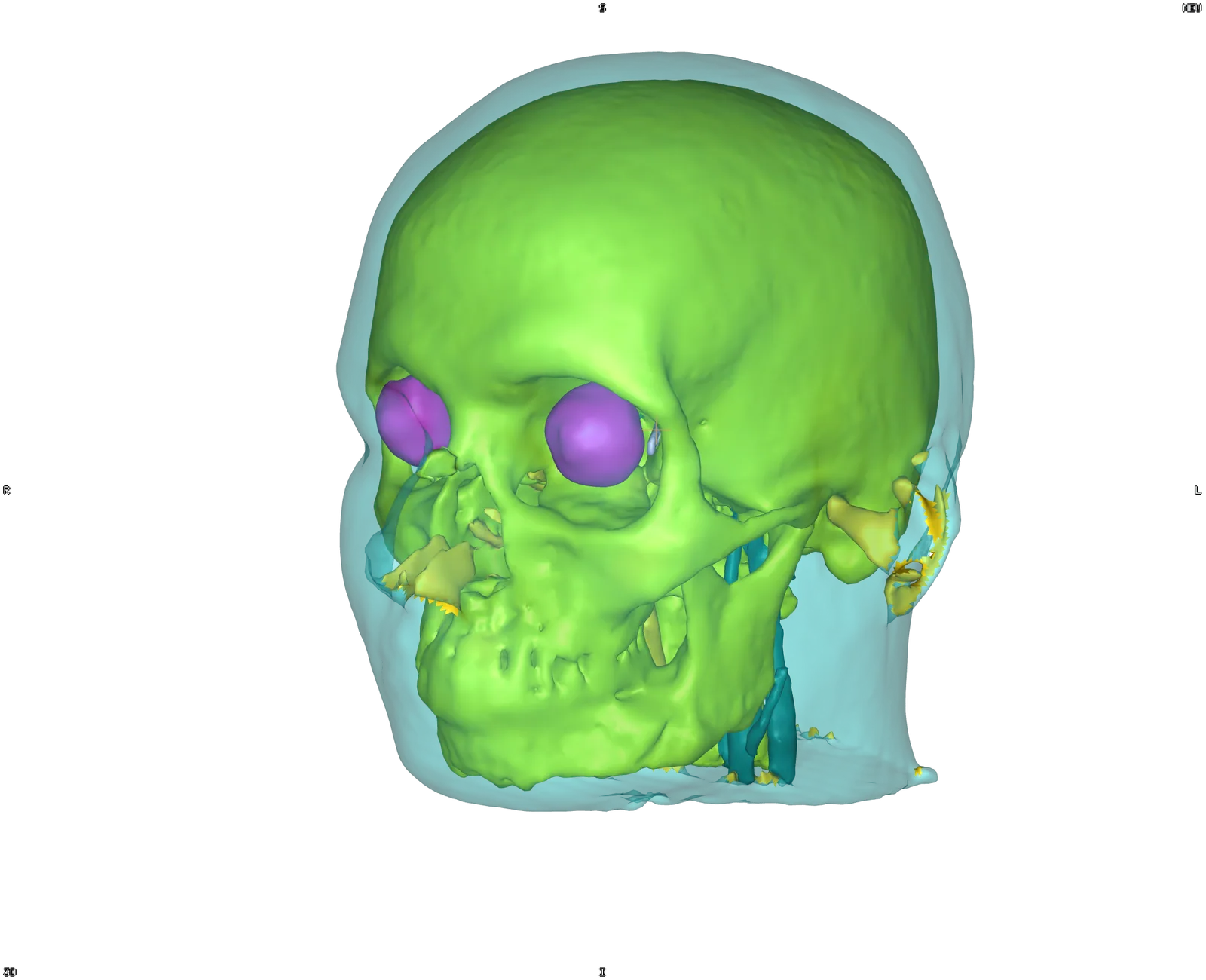
A tissue table (name, colour swatch, eye, opacity) rather than a list of checkboxes. Colour by tag, by a solid colour, by a node or element field with a component selector, or by a .annot label.
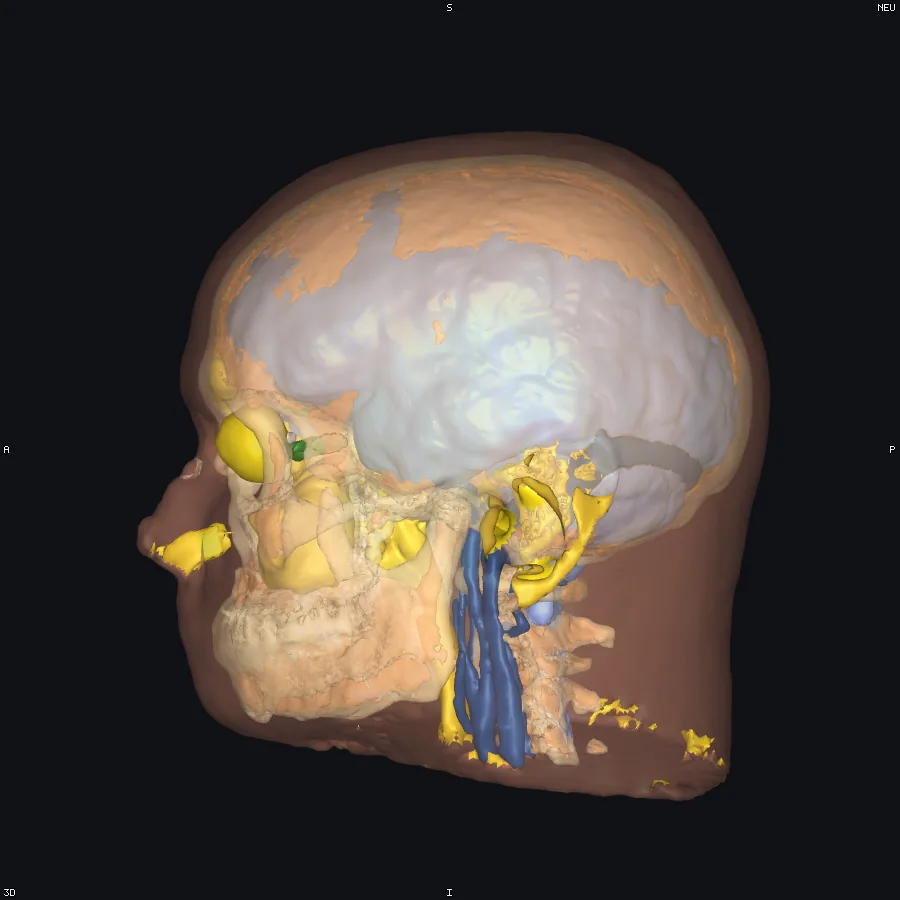
Per-tissue opacity is a real paint, not a global fade: one tissue can carry a field's colouring while the others stay in their own fixed colours, so an outer surface can be made translucent without washing out what it is covering.
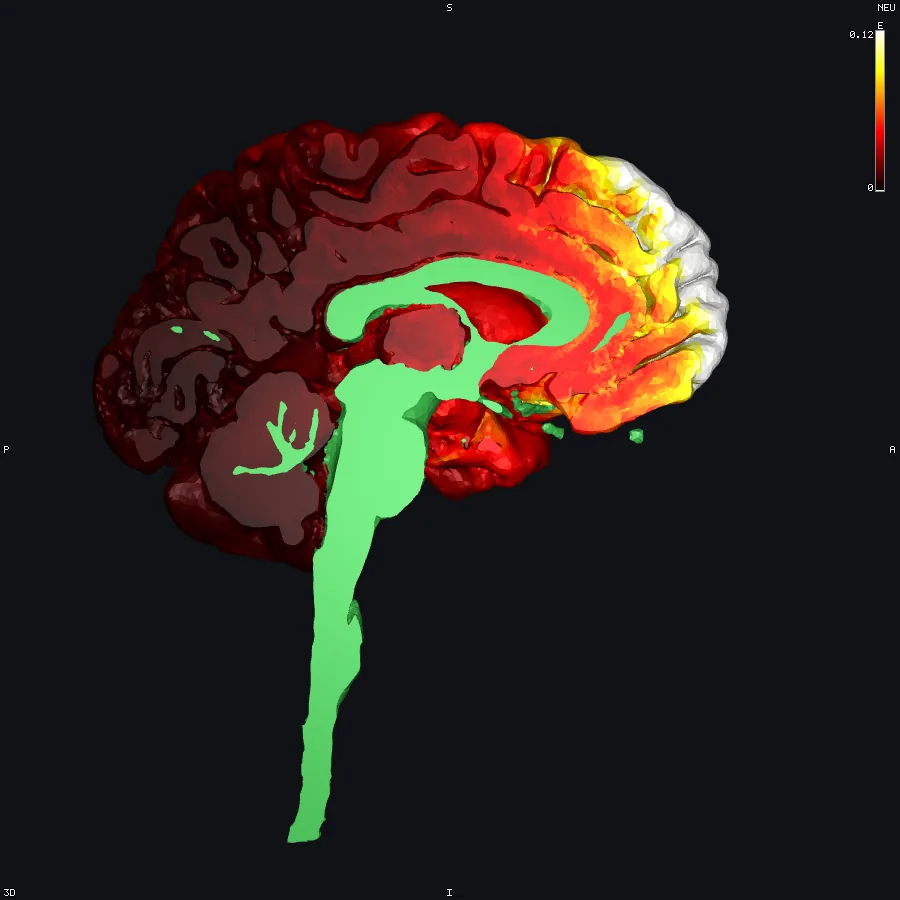
Element edges draw the real element boundaries — including on cut caps — and stay visible while you orbit. Clip planes — up to six, with a drag gizmo and a "follow cursor" option — cut the mesh and cap it with exact per-element polygons rather than a hollow shell. Isolation keeps only the elements matching tags, a field range, a sphere, a box, or the regions of a label volume.
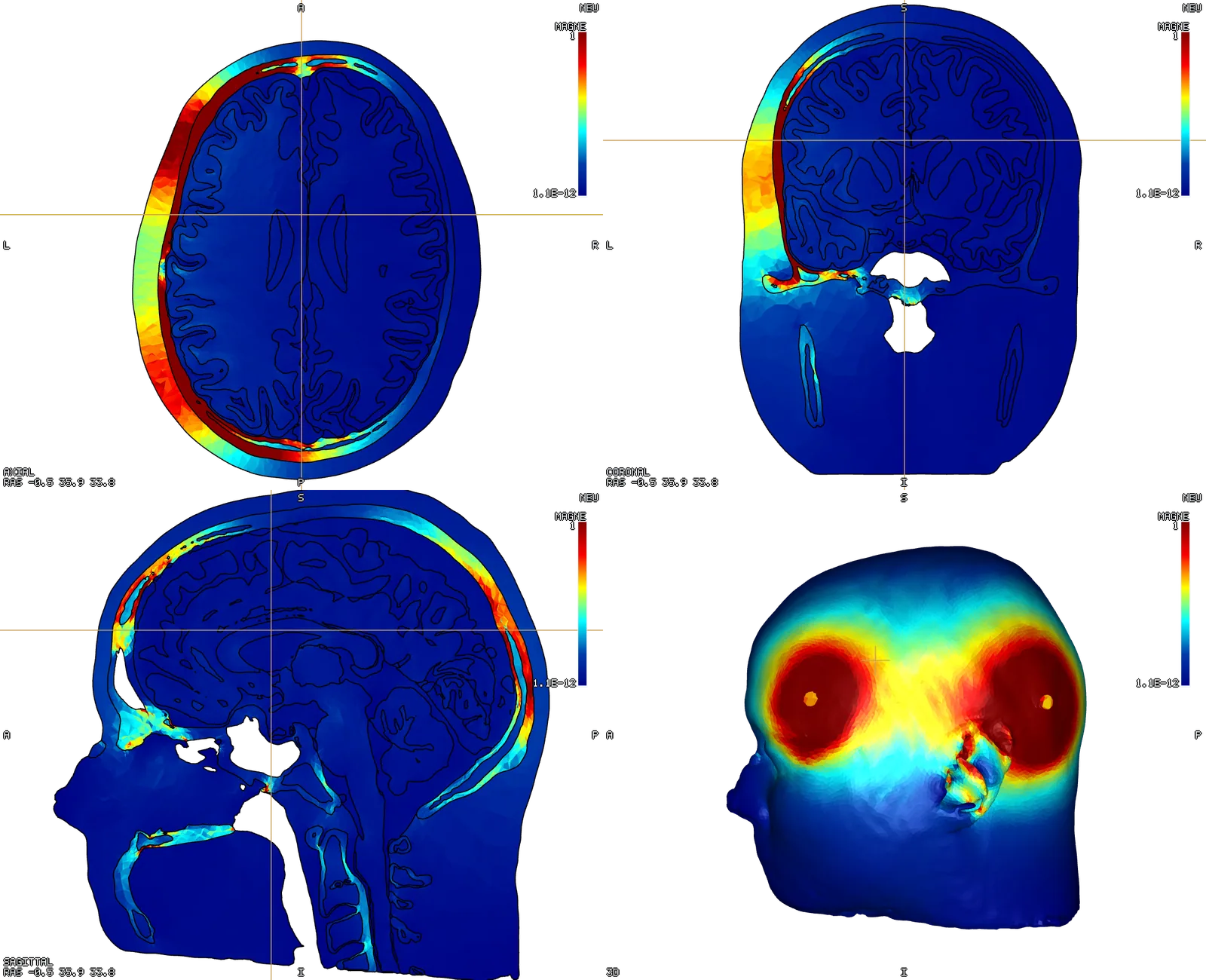
A scalar field carried by the mesh — TI_max, an E magnitude from a tDCS run, a TMS E-field — colours the surface directly, with the colour bar reading that field's own units.
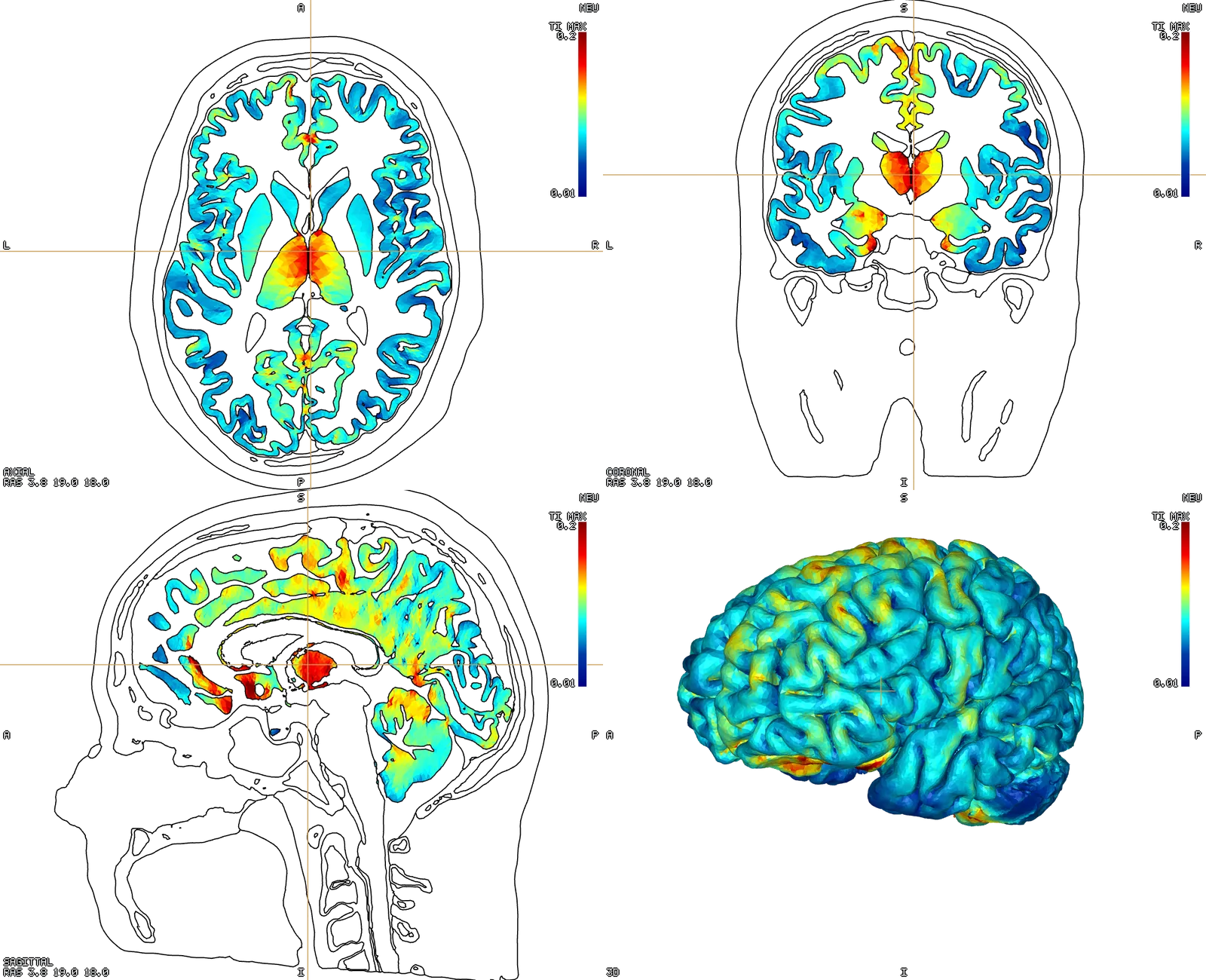
In the 2D panes, a tet mesh shows its cross-section — filled tissue polygons and boundary contours — and it sweeps with the slice, with or without a volume loaded. See Surfaces & annotations for how surface meshes appear in the 2D panes.