Keyboard shortcuts
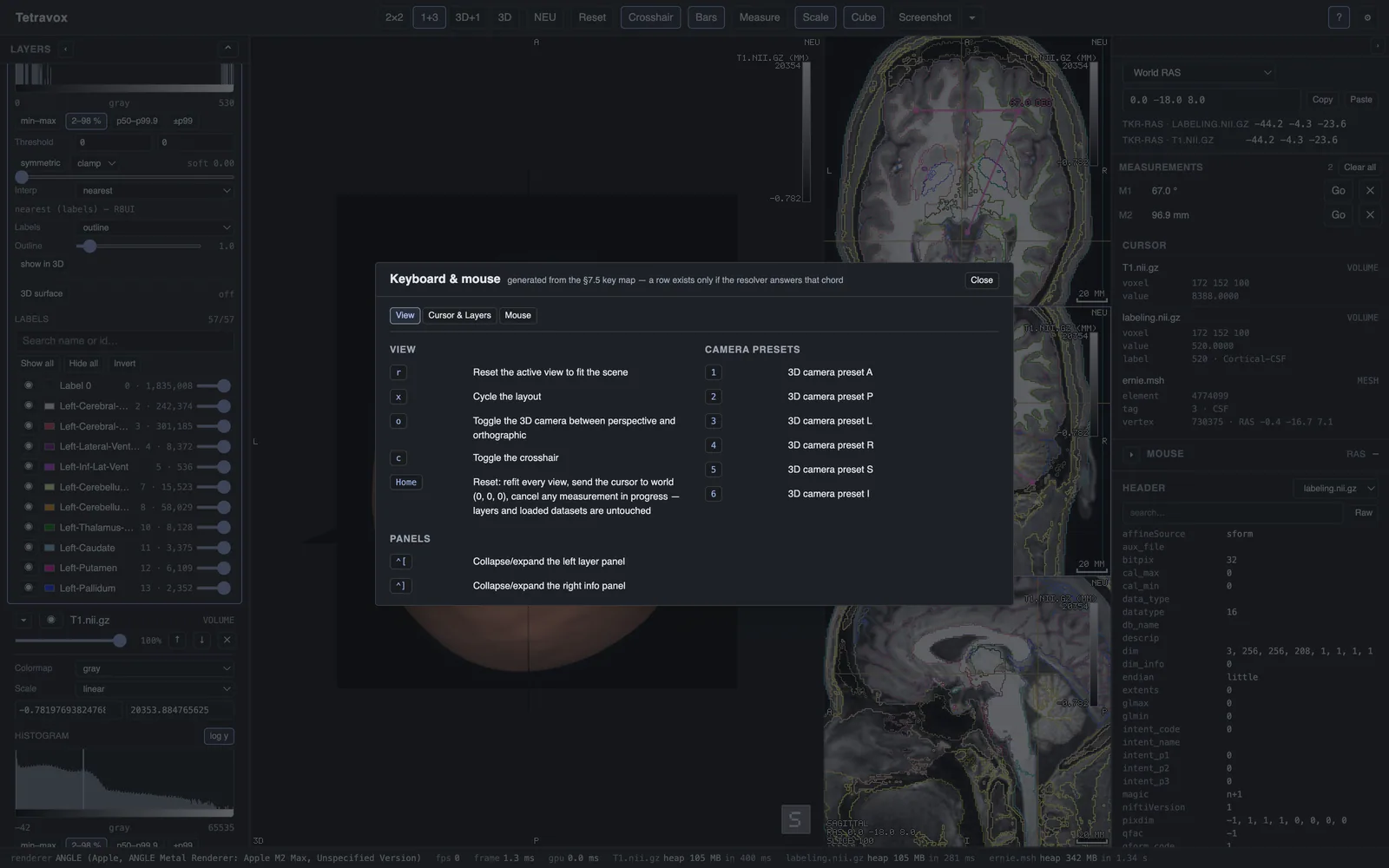
Every shortcut is suppressed while a text field has focus. The toolbar's ? button shows this list in the app, grouped in tabs by what each binding acts on.
Layout, camera and layers
| Key | Action |
|---|---|
r | Reset the active view |
1–6 | Camera preset A / P / L / R / S / I |
x | Cycle the pane layout |
o | Toggle orthographic projection (3D pane) |
c | Toggle the crosshair |
[ / ] | Cycle the active layer |
v | Toggle the active layer's visibility |
Ctrl+↑ / Ctrl+↓ (or ⌘↑/⌘↓) | Reorder the active layer |
, / . | Step the active volume layer's 4D frame |
Ctrl+[ / Ctrl+] (or ⌘[/⌘]) | Collapse/expand the left / right sidebar |
Home | Reset every pane, cursor to world origin, cancel any in-progress measurement |
Cursor and slices
| Key | Action |
|---|---|
↑ ↓ ← → | Nudge the cursor in the pane's plane |
PgUp / PgDn | Step one slice along the pane's normal |
Measuring
| Key | Action |
|---|---|
m | Toggle measure mode |
Esc | Cancel the measurement being placed |
Pointer gestures (not keys, but part of the same map)
| Gesture | Action |
|---|---|
| Left-click / drag, 2D pane | Move the crosshair |
| Wheel, 2D pane | Step one slice |
⌘/Ctrl + wheel, or pinch | Zoom about the pointer |
+ / - | Zoom about the pane centre |
Middle-drag, Space+drag, or two-finger drag | Pan |
| Right-drag | Window / level the active layer |
Shift+drag | The active layer's opacity |
| 3D: left-drag / right-drag / wheel | Orbit / pan / dolly |
| 3D: double-click | Put the crosshair on what you clicked |
Oblique planes
Drag the gizmo ring handles to rotate the plane; drag its stem to slide it along the normal. Plane-from-3-points takes the next three clicks in any 2D pane. A camera preset puts the pane back on axial / coronal / sagittal.
Extension keys are not in this table, and that is deliberate: a s d f g n p t z Delete Backspace are lent to whichever extension is open and mean nothing when none is. They are resolved after everything above, so no extension can change what any key on this page does, and Esc is never one of them. The ? sheet grows an Extensions tab listing the active extension's own chords. The sEEG contacts extension binds these:
| Key | Action |
|---|---|
a | Add contacts (place mode) |
s | Snap the selected contact to the metal |
⇧S | Snap the whole electrode |
n / p | Next / previous contact |
f | Re-fit the shaft |
t | Flip which end is the tip |
g | Contacts visible through slices |
Delete / ⌫ | Delete the selected contact |
z / ⇧Z | Undo / redo |
⌘O / Ctrl+O (Open…) is bound in the Electron application menu, not in this map, so it is never double-bound.