Opening data & formats
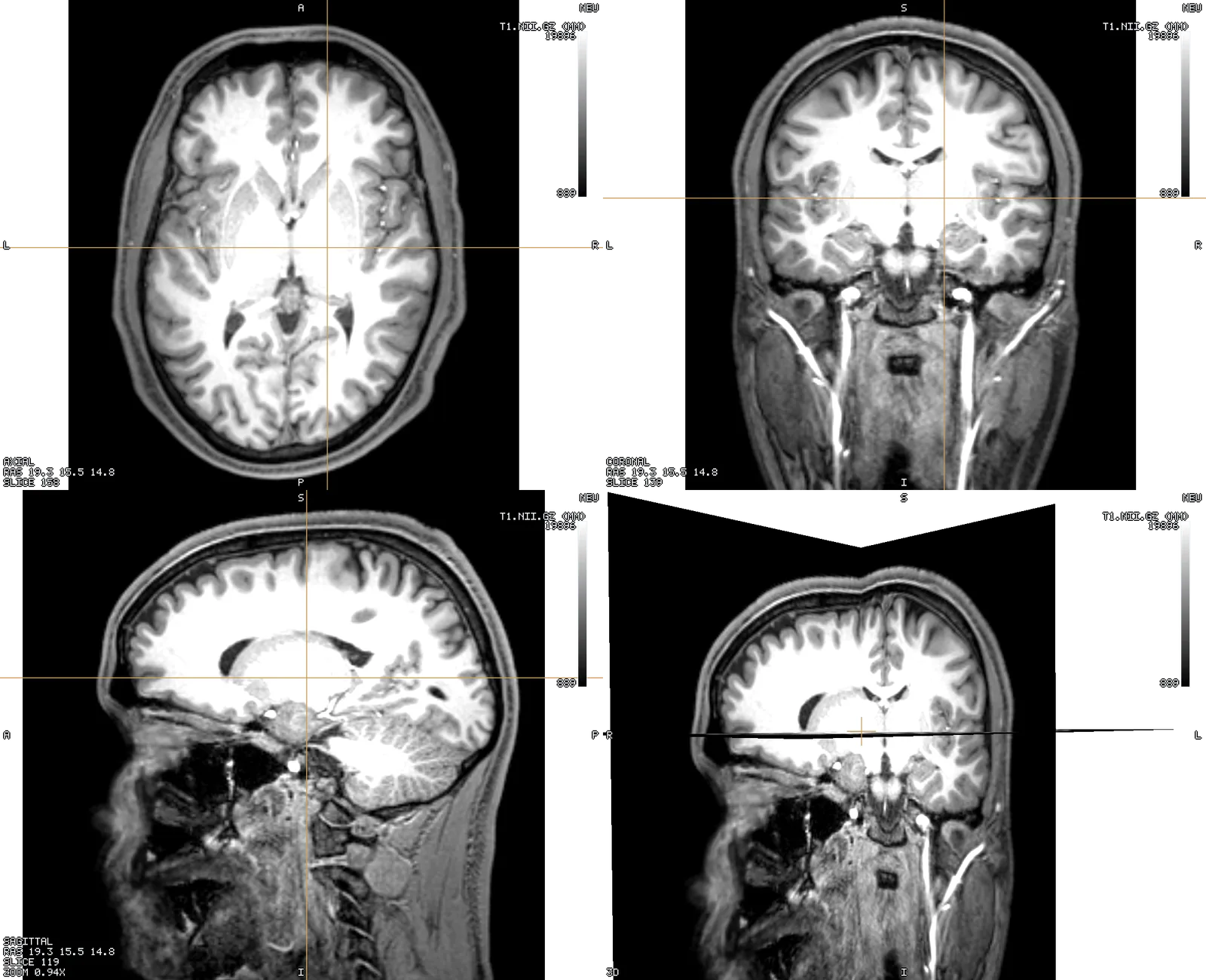
A viewer for voxel volumes (NIfTI — MRI, CT, label maps) and finite-element / surface meshes (Gmsh .msh, GIfTI, FreeSurfer, STL/PLY/OBJ, VTK .vtk/.vtu/.vtp, OFF, MEDIT .mesh), with a 3D view and sagittal / axial / coronal slices that all follow one crosshair. Head models and neuroimaging are what it was built for first, but every control in this guide works the same on a chest CT or a lumbar MRI — where that matters, it is said in place. This guide is split by topic; for installing the app see the website's Install and Get started pages.
Any of: drag files onto the window, ⌘O / Ctrl+O, File ▸ Open…, or name them on the command line (Tetravox T1.nii.gz ernie.msh). Opening data adds to what is on screen; opening a scene replaces it.
No data to hand? File ▸ Sample Data… lists public datasets — a SimNIBS head with its tissues, pial surfaces, an EEG net and a TI field; abdominal and chest CT and MRI with organ and vertebra labels — each with its source and licence. One click downloads the files (once, into the app's cache, verified by checksum) and opens a ready-made scene — layout, colour maps, thresholds and camera already set, the TI field on its mesh with a clip plane following the cursor — replacing what is on screen, as Open Scene… does. The scene file sits beside the data in the cache, so File ▸ Save Scene As… keeps your changes to it. The same list, with sizes and download links, is on the website's Sample data page.
Formats read: NIfTI-1/2 (.nii, .nii.gz, including 4D), Gmsh .msh v2.2 and v4.1, Gmsh parsed views (.geo / .pos — SimNIBS electrode nets), GIfTI (.gii, .func.gii, .shape.gii, .label.gii), FreeSurfer surfaces / curv / .annot, STL, PLY, OBJ.
Sidecars beside a file are picked up automatically and matter more than they look:
| Sidecar | Gives you |
|---|---|
<mesh>.msh.opt | tissue names (WM, GM, CSF …), their colours, and the field range to open at |
<volume>_LUT.txt | region names and colours for an atlas or a tissue map |
ernie.msh has no $PhysicalNames section, so its .msh.opt is the only source of tissue names. Without it the tissue table reads tag 1, tag 2, … and the head is drawn in a fallback palette.