Graphical User Interface
The TI-Toolbox GUI provides a graphical interface for running TI-Toolbox workflows without command-line interaction. Built with PyQt5, it offers an intuitive tabbed interface for all major TI-Toolbox functionalities.
Overview
The GUI serves as a user-friendly alternative to the CLI, providing visual controls and real-time feedback for TI-Toolbox operations. It’s particularly useful for:
- New users learning TI-Toolbox workflows
- Interactive exploration of parameters and options
- Visual monitoring of long-running processes
Interface Screenshots
Pre-processing
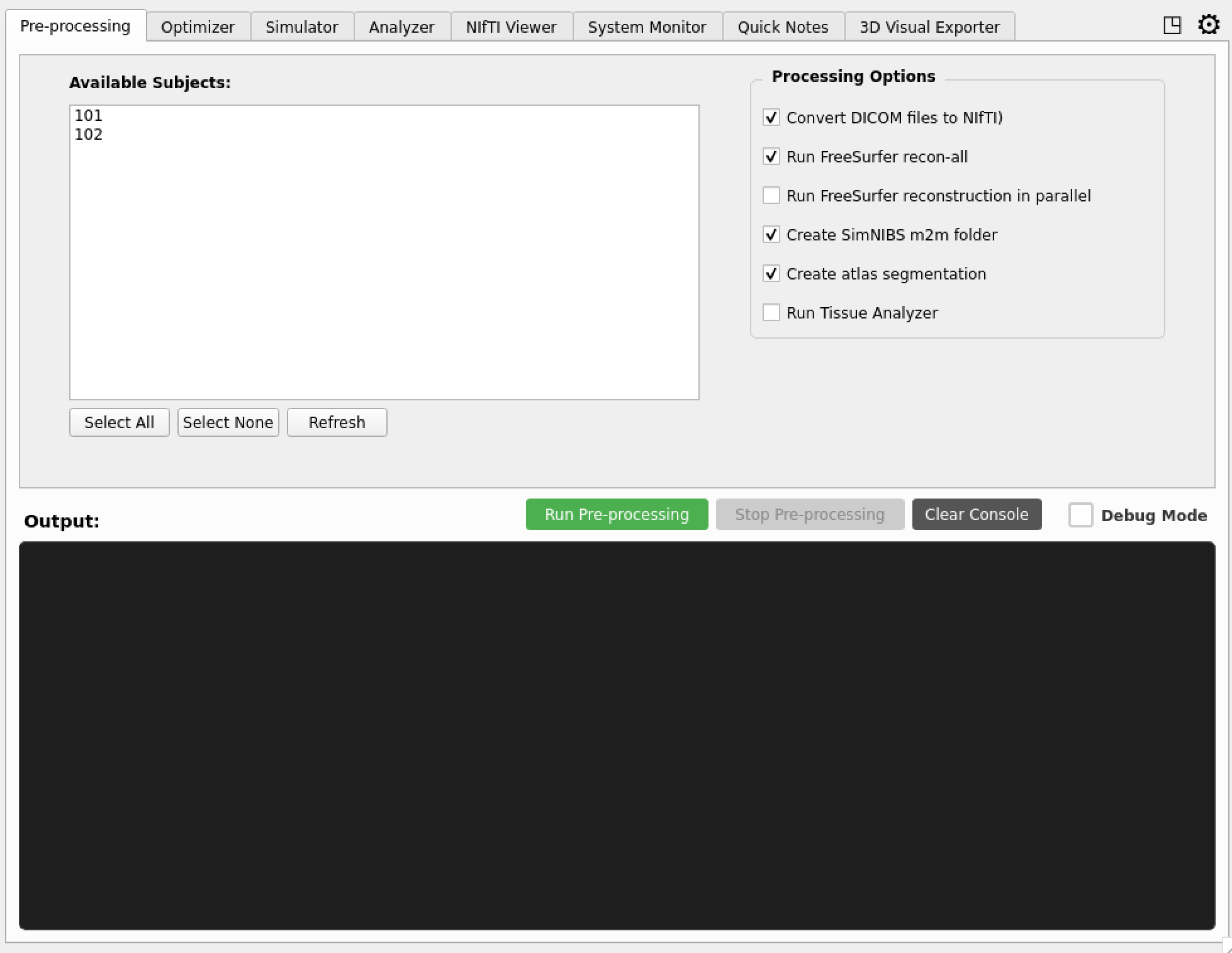 Initial tab for pre-processing raw dicoms
Optimizer Interface
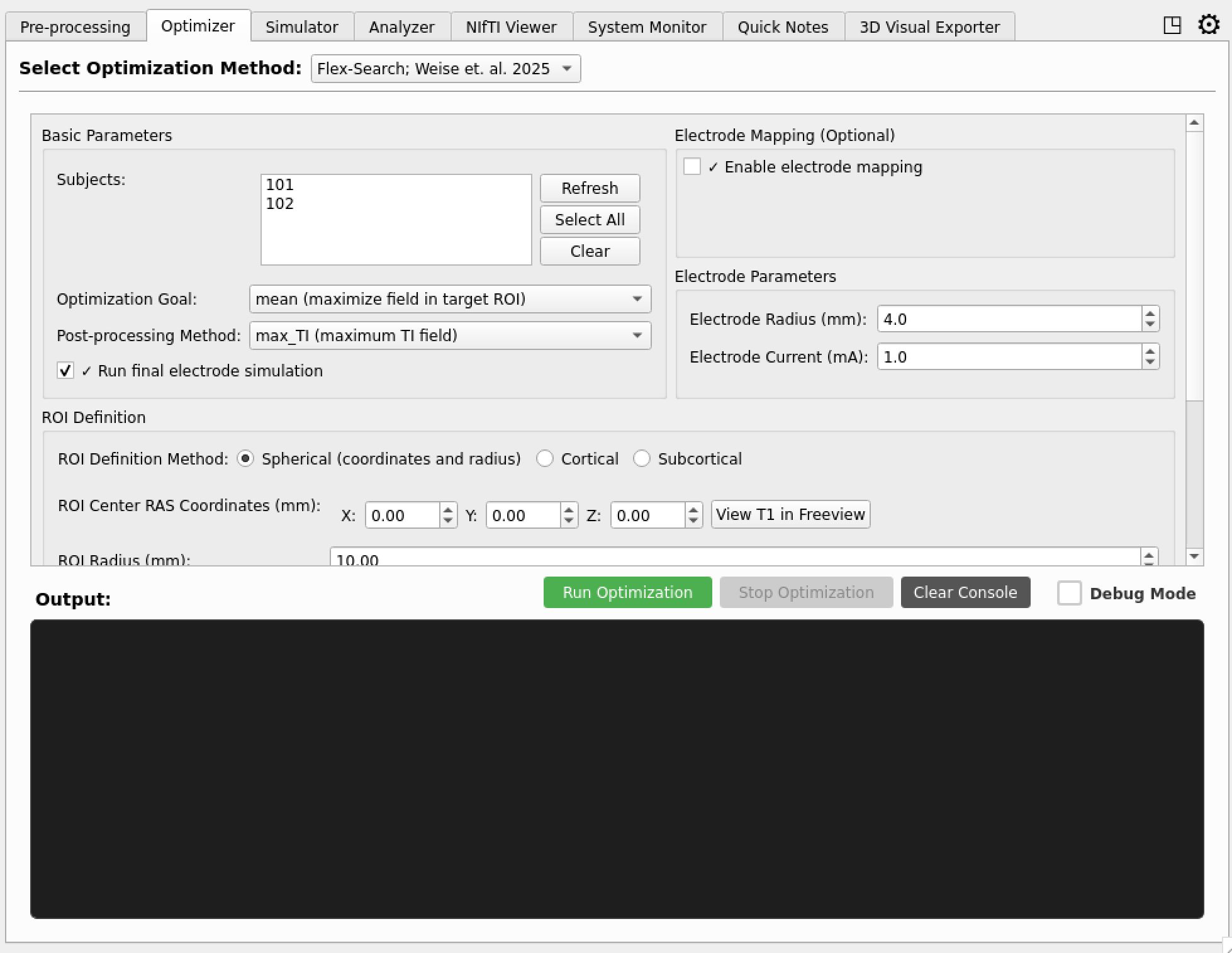 Flex Search optimization interface with parameter controls
Simulator Tab
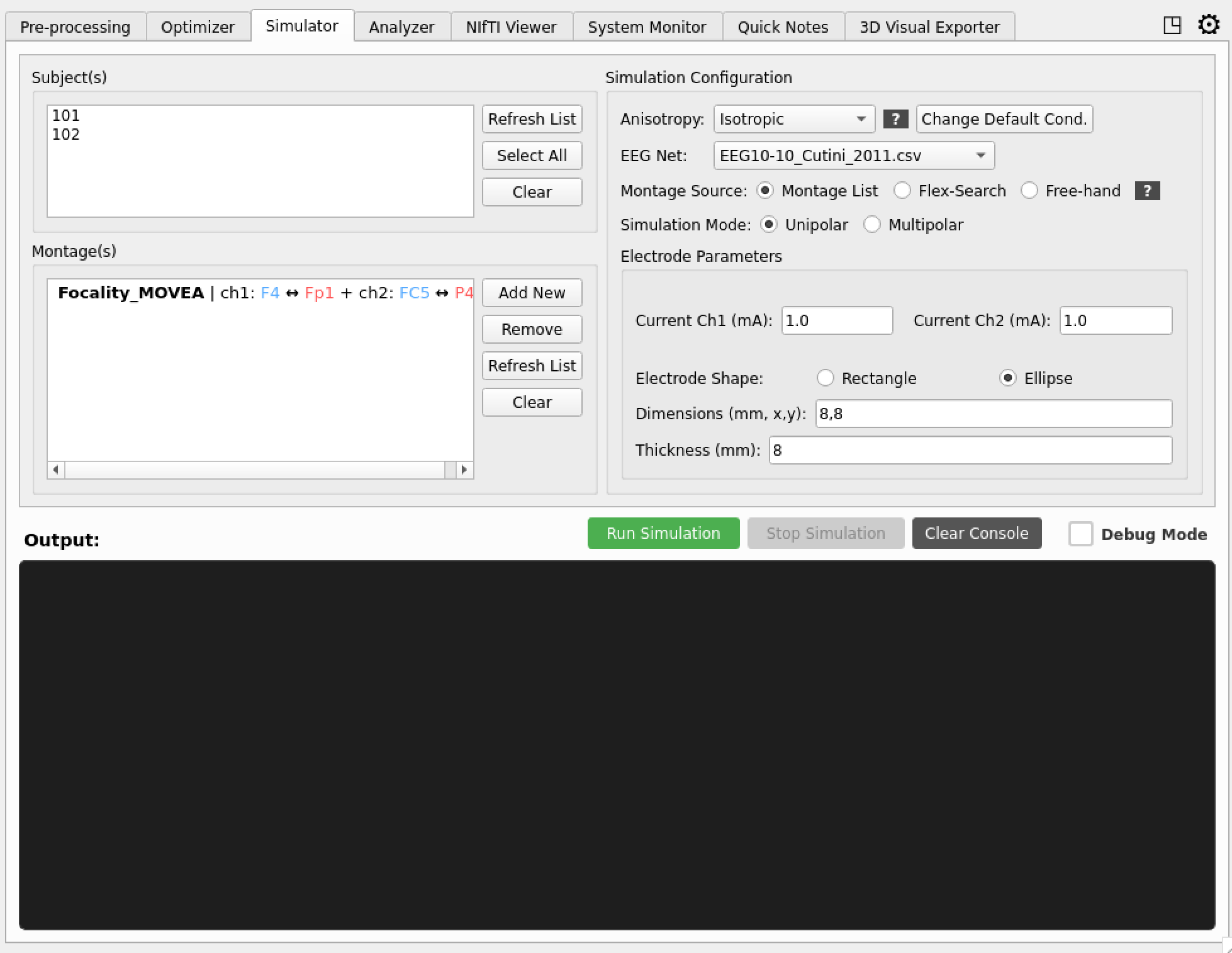 Simulation controls with parameter settings and progress monitoring
Analysis Results
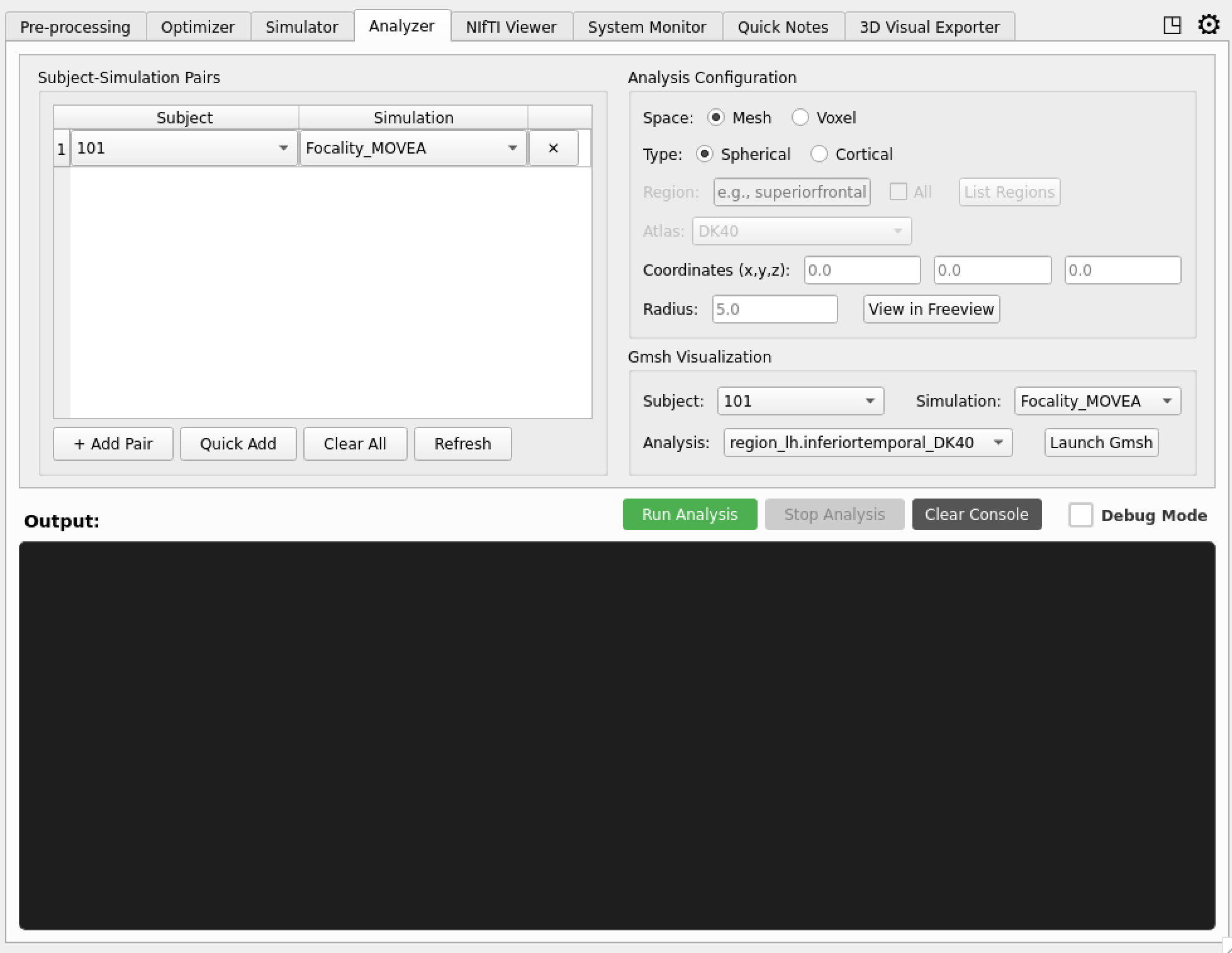 Analysis tab displaying simulation results and statistical outputs
System Monitoring
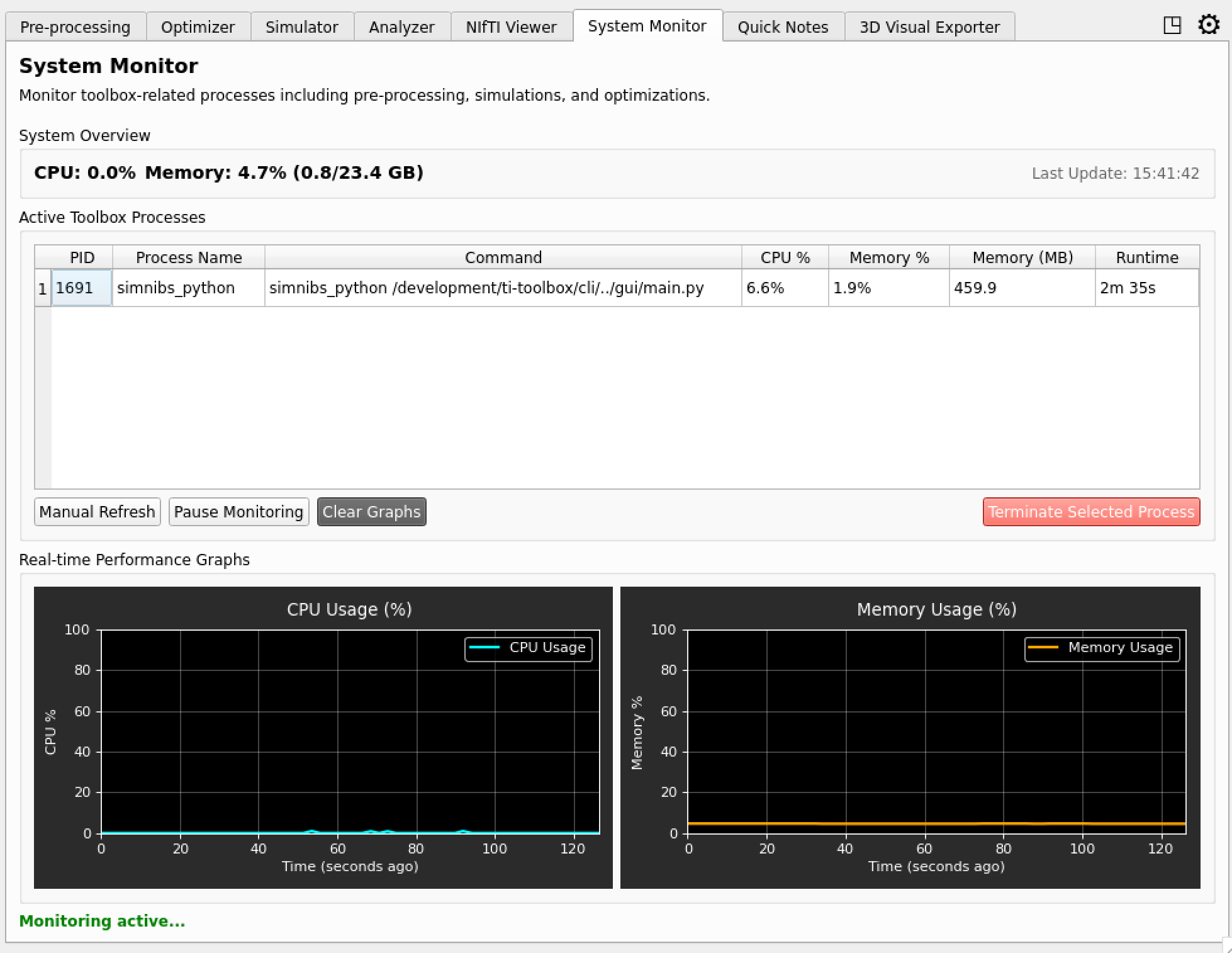 Real-time system monitoring and resource usage tracking
Technical Architecture
The GUI is built on PyQt5 with a modular architecture:
- Main Window: Central tabbed interface with extension support
- Tab System: Modular tabs for different functionalities
- Settings System: Persistent configuration management
- Extension Framework: Plugin architecture for expandable features
- Real-time Monitoring: Live updates for long-running operations
Subprocess Pattern
All heavyweight tabs (Flex-Search, Ex-Search, Analyzer) follow a uniform execution pattern:
- The tab builds a configuration dataclass from UI inputs.
- The config is serialized to a temporary JSON file via
tit.config_io. - A
BaseProcessThread(intit/gui/process.py) launches the computation as a subprocess (simnibs_python -m <module> config.json). - Stdout from the subprocess is streamed into the tab’s console widget.
- Completion is handled through Qt signals — no blocking
.wait()calls on the main thread.
The Simulator tab is the exception: it calls run_simulation() directly inside a QThread because SimNIBS is already available in-process.
Reusable Components
Common UI elements have been extracted into tit/gui/components/:
| Component | Class | Purpose |
|---|---|---|
roi_picker.py |
ROIPickerWidget |
Spherical / cortical-atlas / subcortical ROI selection with Freeview integration and MNI-space toggle |
electrode_config.py |
ElectrodeConfigWidget |
Electrode current, shape, dimensions, and thickness inputs |
solver_params.py |
SolverParamsWidget |
Differential-evolution hyper-parameters (multi-start, population, mutation, etc.) |
console.py |
ConsoleWidget |
Dark-themed console output with colored messages and auto-scroll |
These widgets emit Qt signals (e.g. ROIPickerWidget.roi_changed) so that parent tabs can react to value changes without polling.
Getting Started
To launch the GUI:
# From within the TI-Toolbox environment
GUI
The GUI and scripting workflows share the same underlying TI-Toolbox APIs.